Practice Session
Retake of my live set from 03/29.
Practice Session
Practice Session
Practice Session
Practice Session
Practice Session
Technique
- BPM ~85, the slowest session yet
- Dynamic complexity: 3.86 — wide volume swings, especially the quiet middle and loud return
- Spectral flatness consistently low (~0.01-0.02) — tonal throughout
- Dissonance moderate (0.40-0.47) — harmonically rich but not aggressive
Sound & Characteristics
~4:47 session with a clear three-act structure:
Opening (0-40s): Confident start. Loudness 0.69 dropping to 0.30, centroid around 950-1280 Hz. Gradually brightens as volume pulls back — an inverted dynamic.
Plateau (50-150s): Settles into a dark, steady zone. Centroid hovers around 760-890 Hz, loudness 0.30-0.47. The warmest sustained passage — low and grounded, gently shifting in density.
Quiet drop (150-220s): Volume falls to session lows (0.16-0.24). A long, exposed passage — the sound thins but stays dark (centroid ~800-1090 Hz). Nearly two minutes of restraint.
Surge and close (230-287s): Dramatic return — loudness climbs from 0.24 to the session peak of 0.99 at 4:20, the loudest single moment across all recent sessions. Centroid briefly rises to 1312 Hz before settling back to 750 Hz. Ends warm and fading.
Practice Session
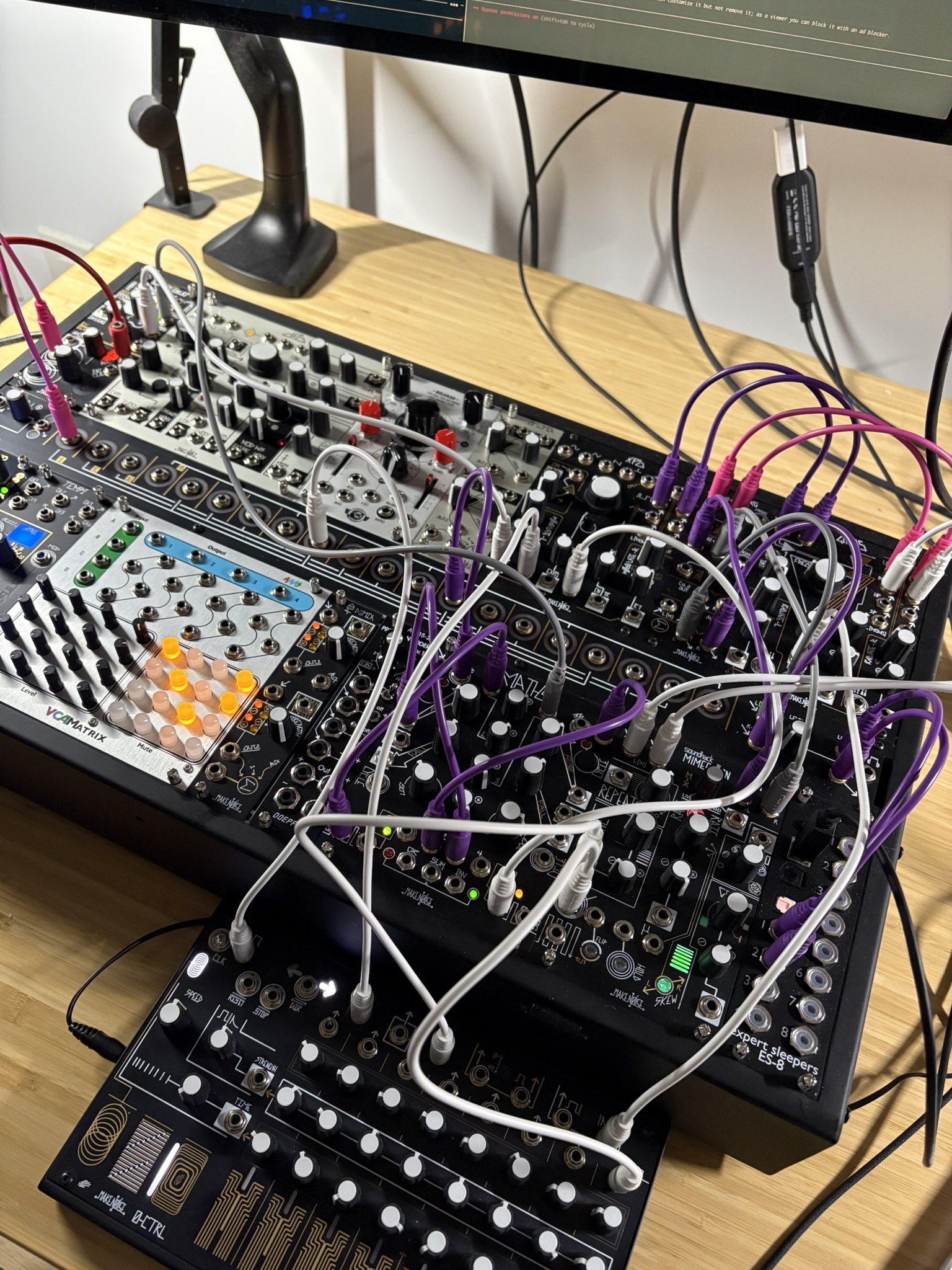
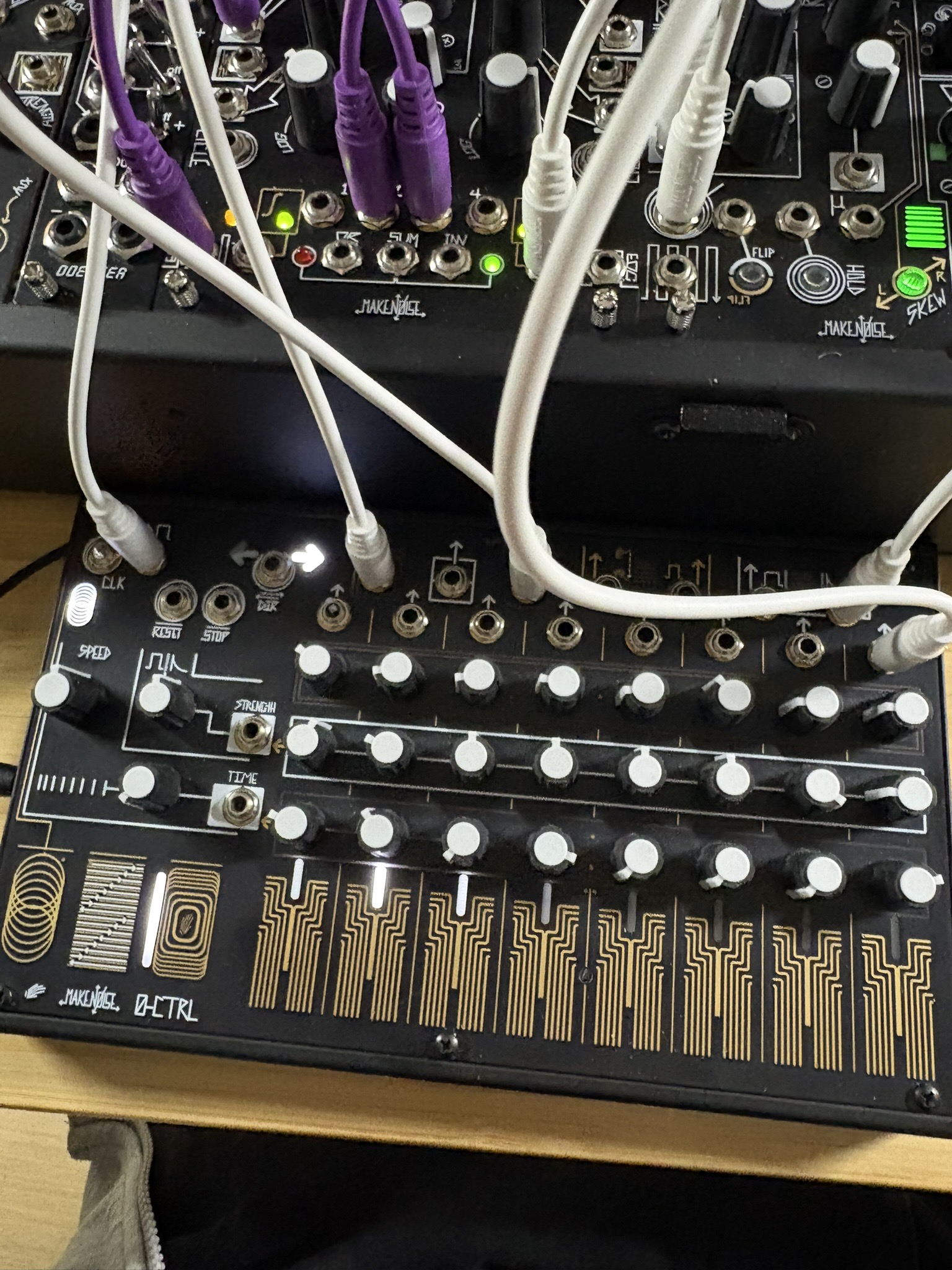
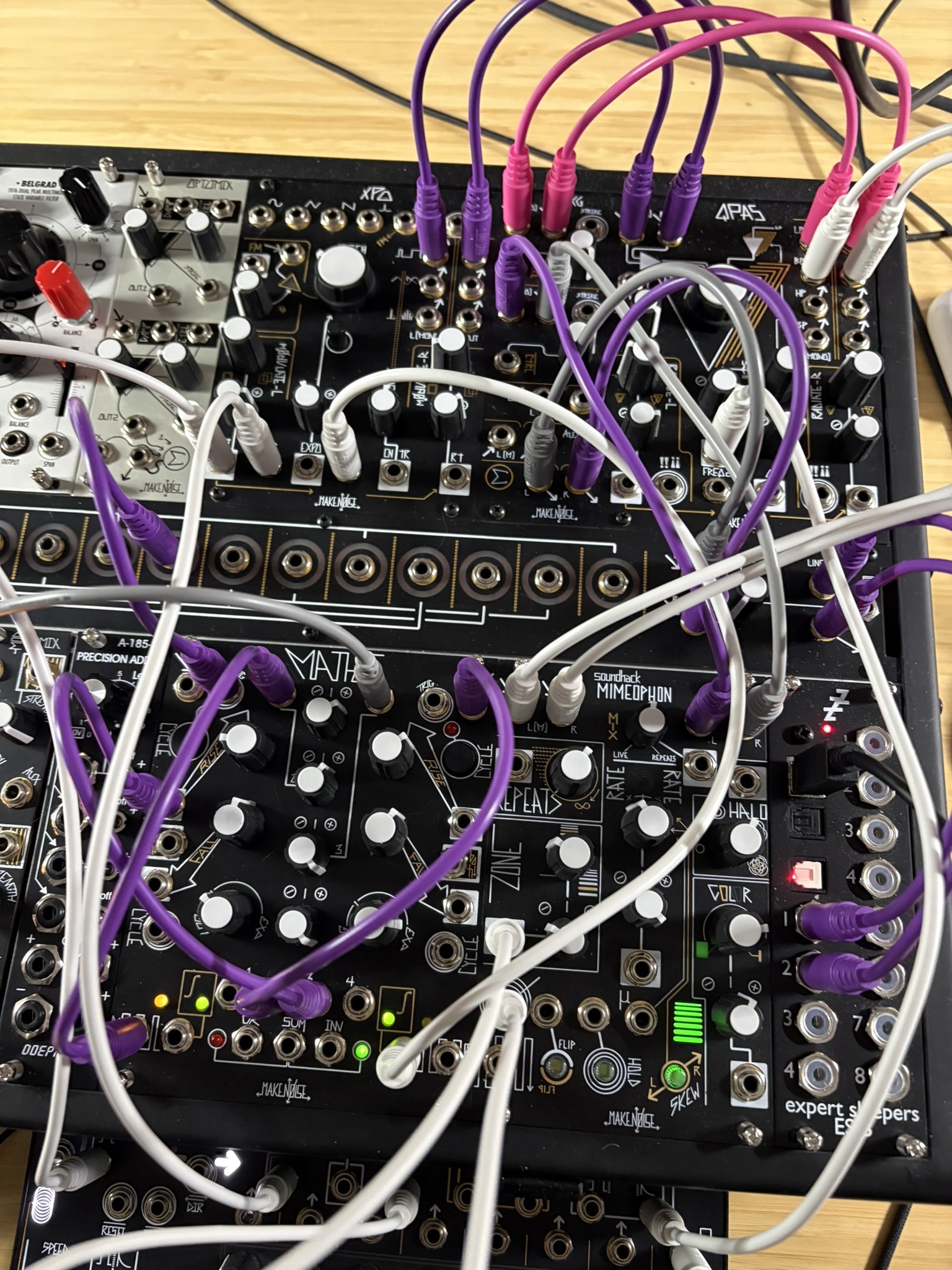
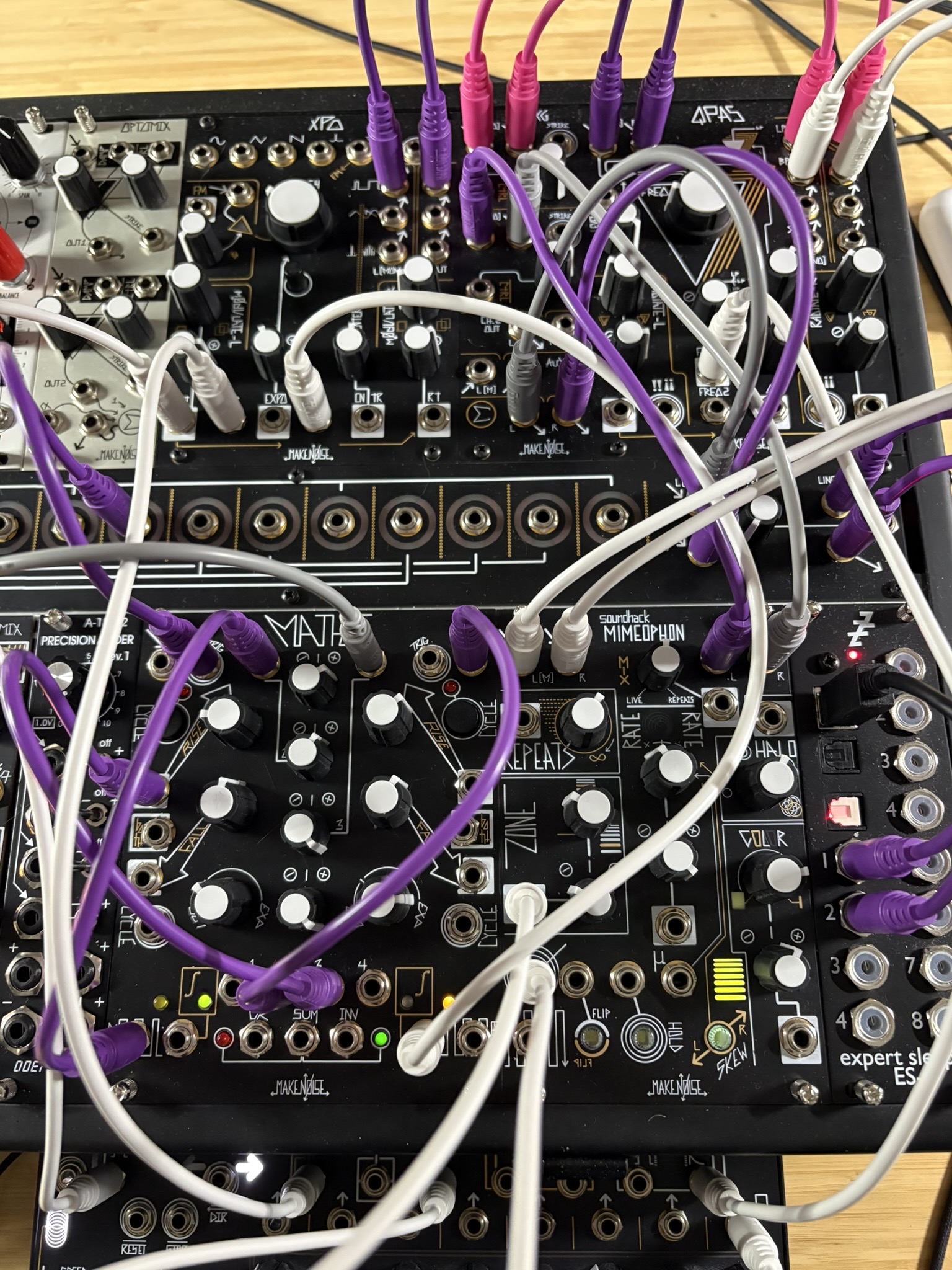
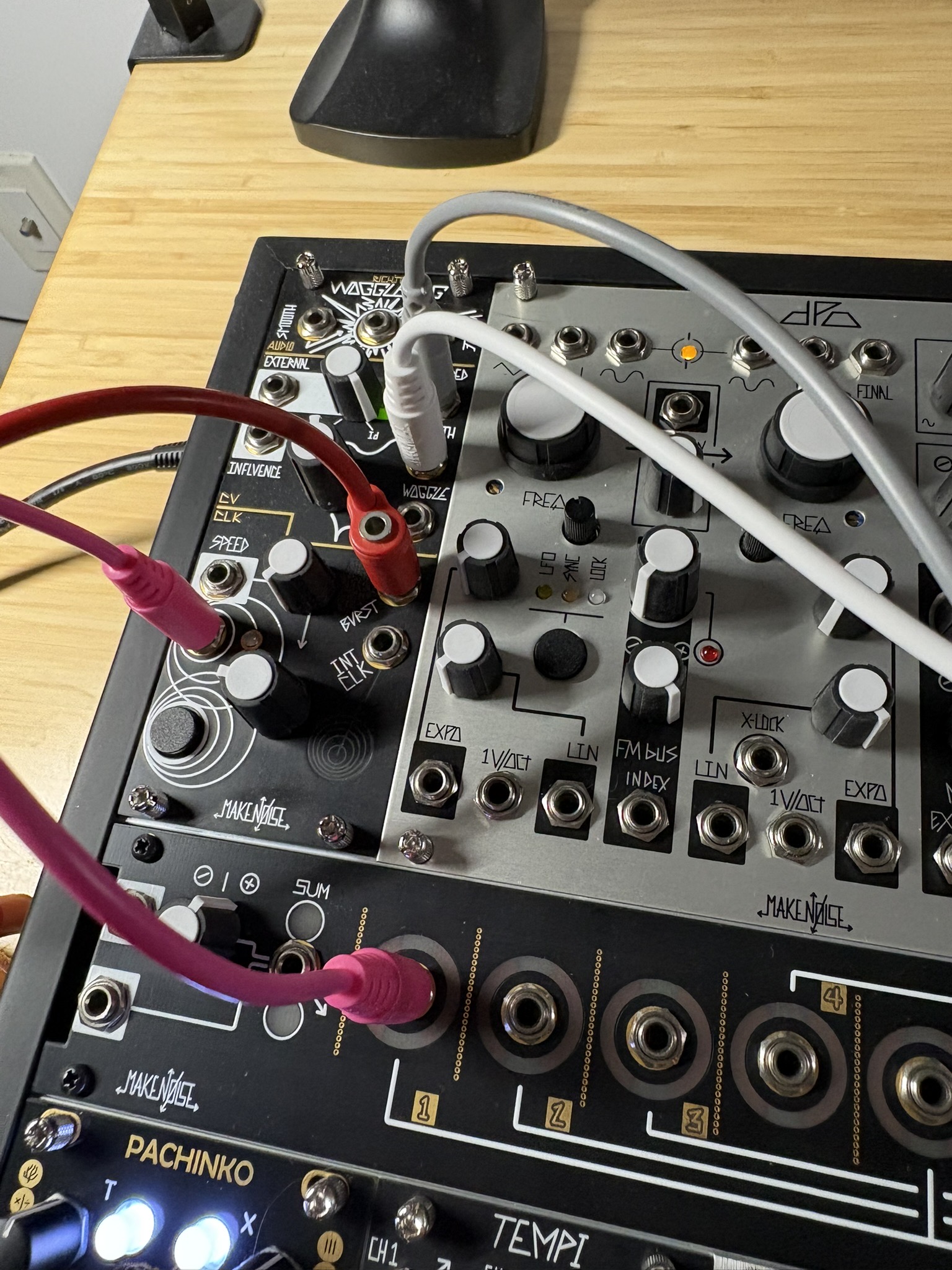
Technique
- BPM ~110, moderate pulse
- Dynamic complexity: 4.75 — the most dynamic session of the day by a wide margin
- Dissonance stays high throughout (0.40-0.45) — harmonically dense, more complex than earlier sessions
- Spectral flatness generally low but with sharp spikes — tonal base with noisy interruptions
Sound & Characteristics
~5:30 session, restless and unpredictable:
Opening (0-20s): Warm and present. Centroid around 290-420 Hz, loudness peaks at 0.73. The lowest, darkest opening of any session today.
First descent (30-100s): Volume drops sharply. Two quiet, bright moments — centroid spikes to 1240 Hz at 0:50 and 2344 Hz at 1:30. The sound thins out and becomes exposed, flatness nearly doubles.
Middle plateau (100-180s): Settles into a restless mid-range — loudness 0.34-0.48, centroid 900-1500 Hz. No clear direction, constantly shifting texture and density. Dissonance holds steady around 0.43.
Surge (190-200s): The loudest moment (0.67) with centroid dropping to 803 Hz — a sudden warm, full-bodied return. Brief but decisive.
Long fade (200-330s): Gradually loses energy. Centroid drifts between 800-1800 Hz, volume settles around 0.32-0.42. A brief brightness spike at 4:20 (1817 Hz, dissonance 0.455) before the piece dims to its quietest ending — dark and unresolved.
Practice Session
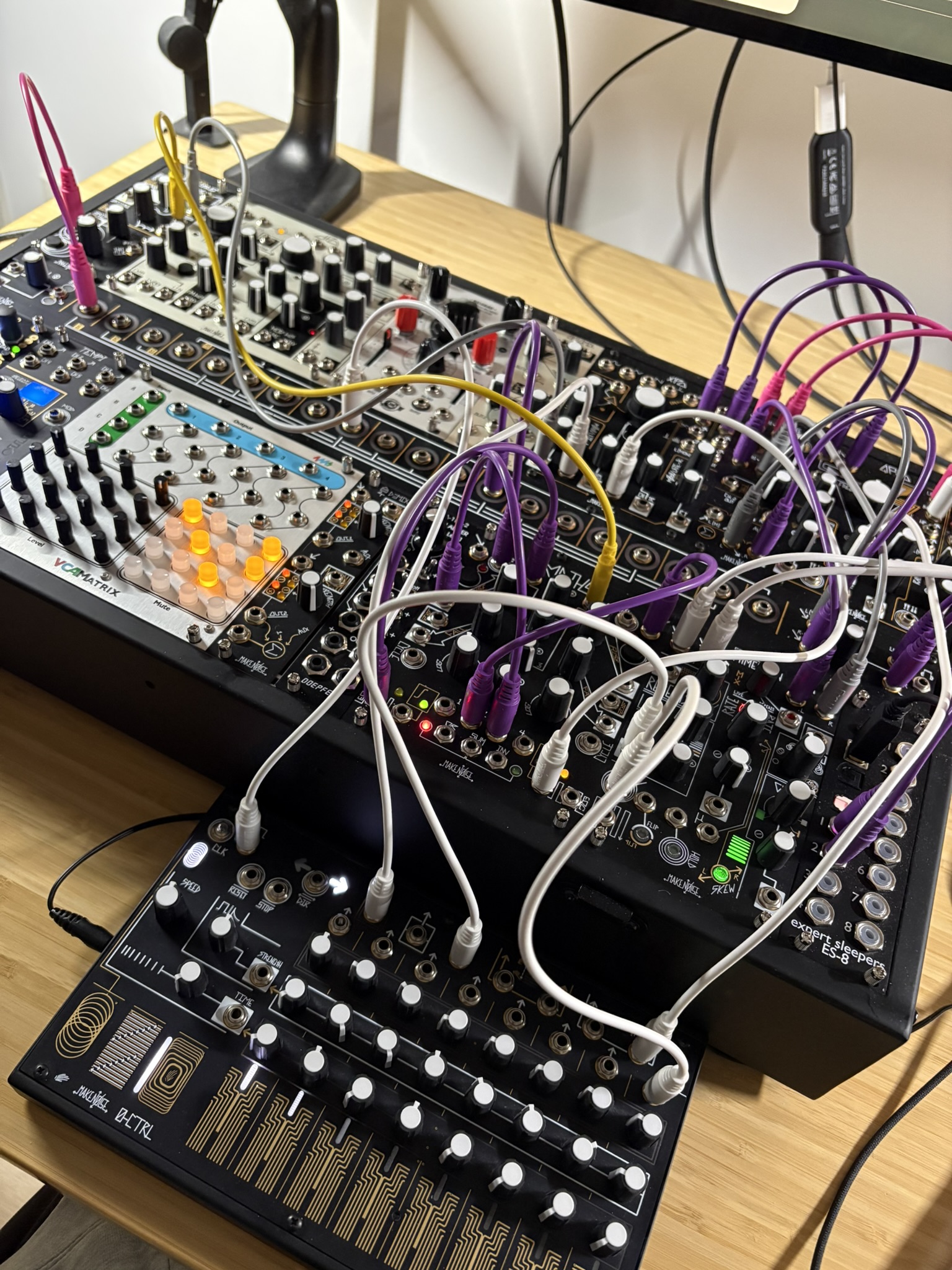
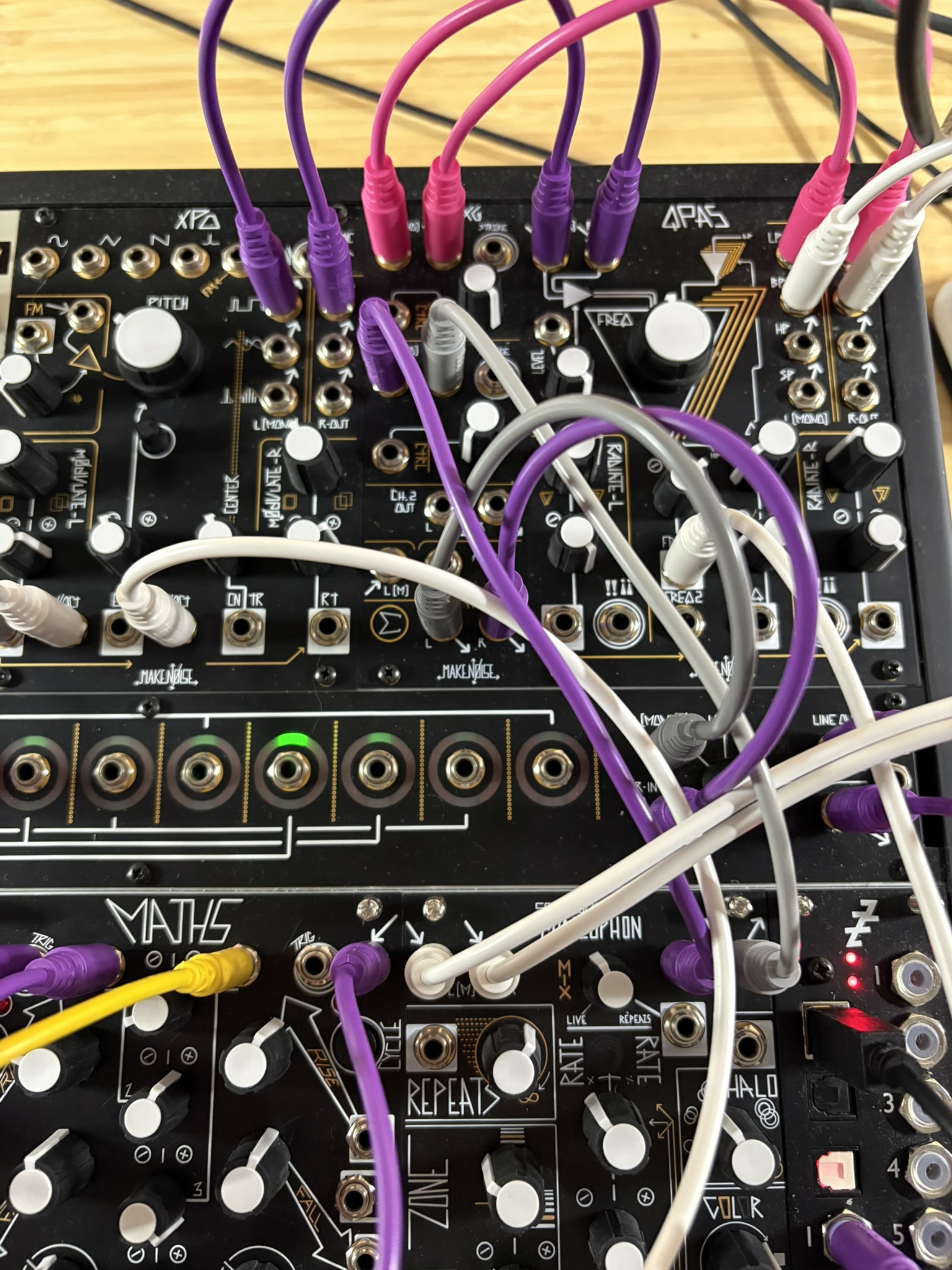
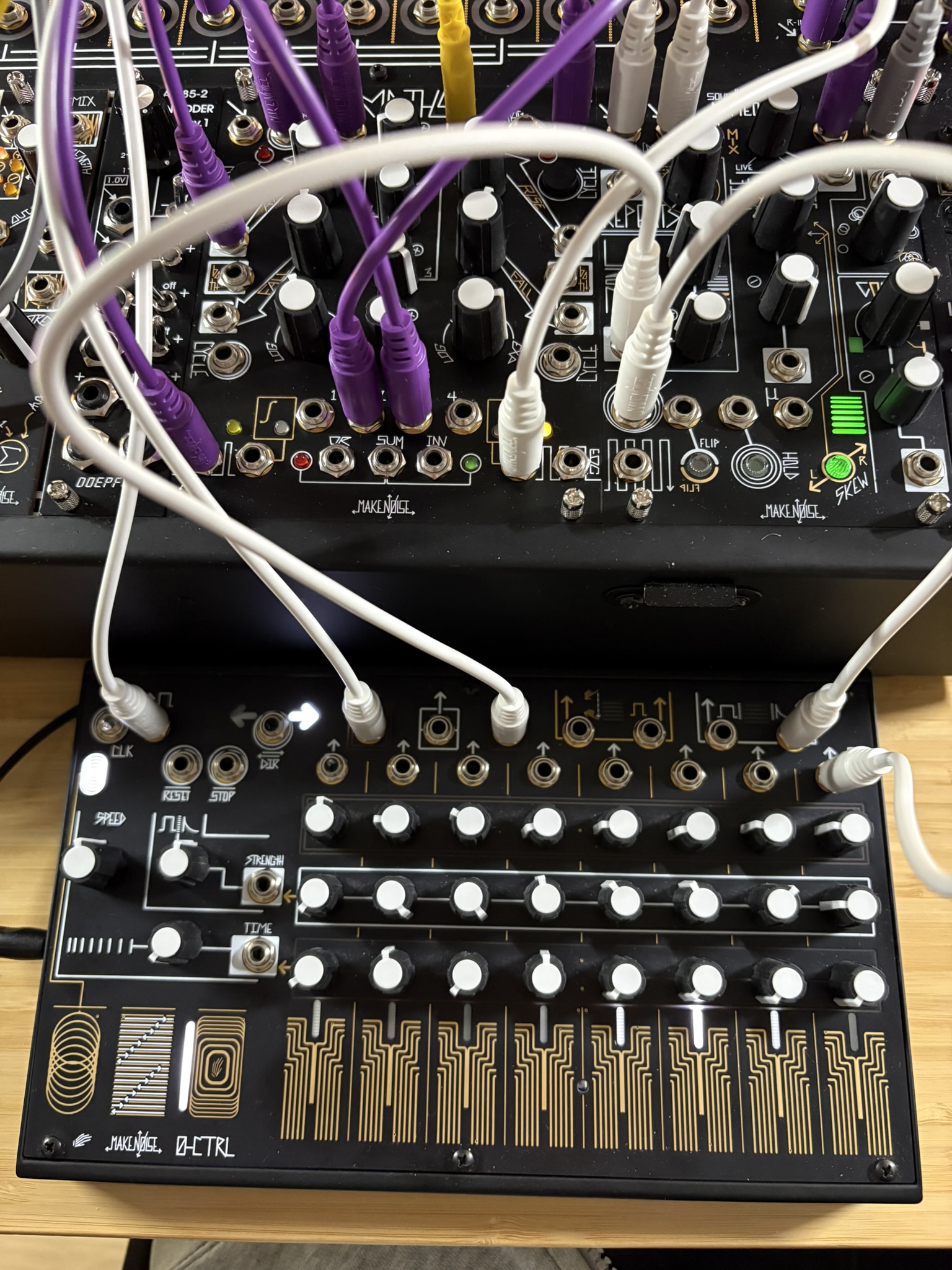
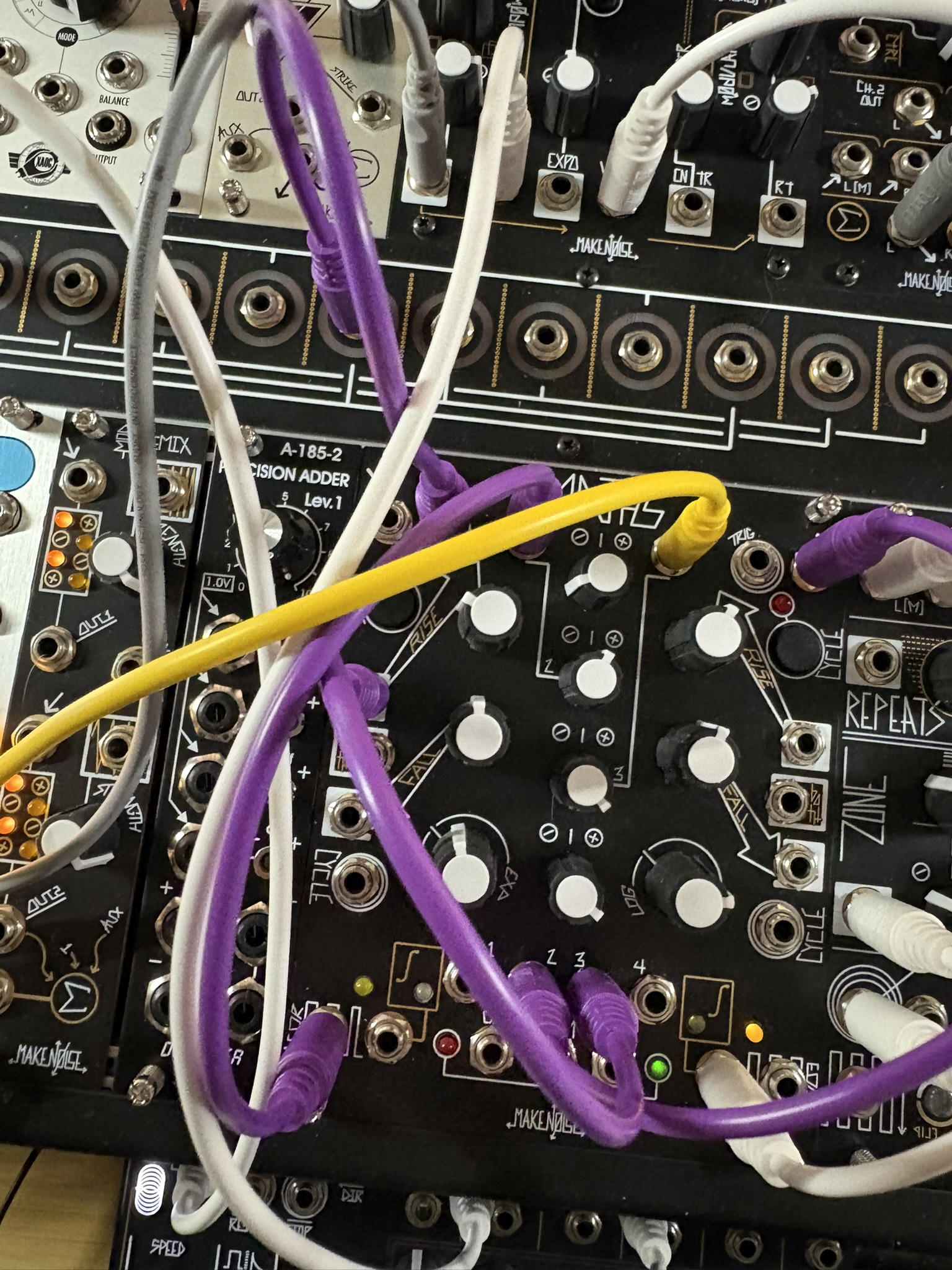
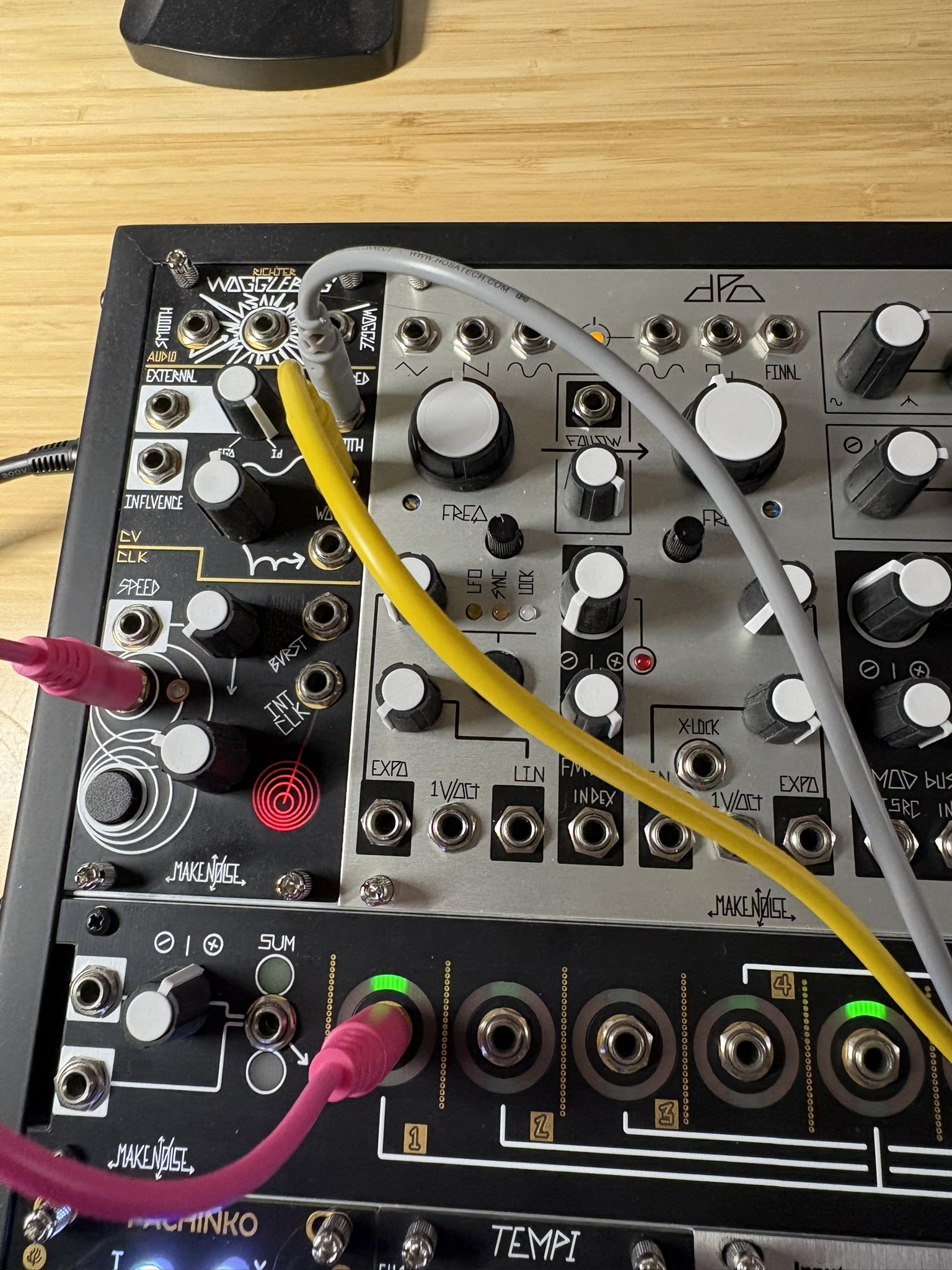
Technique
- BPM ~104, slower pulse than earlier sessions
- Dynamic complexity: 3.71 — the most dynamic session of the day, wide loud/quiet swings
- Spectral flatness low (~0.03) — tonal throughout
Sound & Characteristics
~4:18 session with a dramatic build:
Opening (0-60s): Quiet and low. Centroid around 689 Hz, loudness ~37. Dark, restrained start — the lowest energy opening of all three sessions.
Brightening (60-100s): Centroid spikes to 2892 Hz around 1:30, dissonance peaks at 0.475. A sharp textural shift — brighter and more harmonically complex.
Drop (100-140s): Volume falls to the session’s quietest point (loudness ~22 at 2:10). A near-silence that resets the texture.
Build (140-220s): Steady climb in both volume and density. Centroid settles around 1100-1200 Hz — warm but increasingly loud.
Peak (220-258s): The loudest passage across all three sessions (loudness 71.89). Centroid around 1180 Hz — full, warm, and saturated. The piece ends at maximum intensity rather than resolving back down.
Practice Session
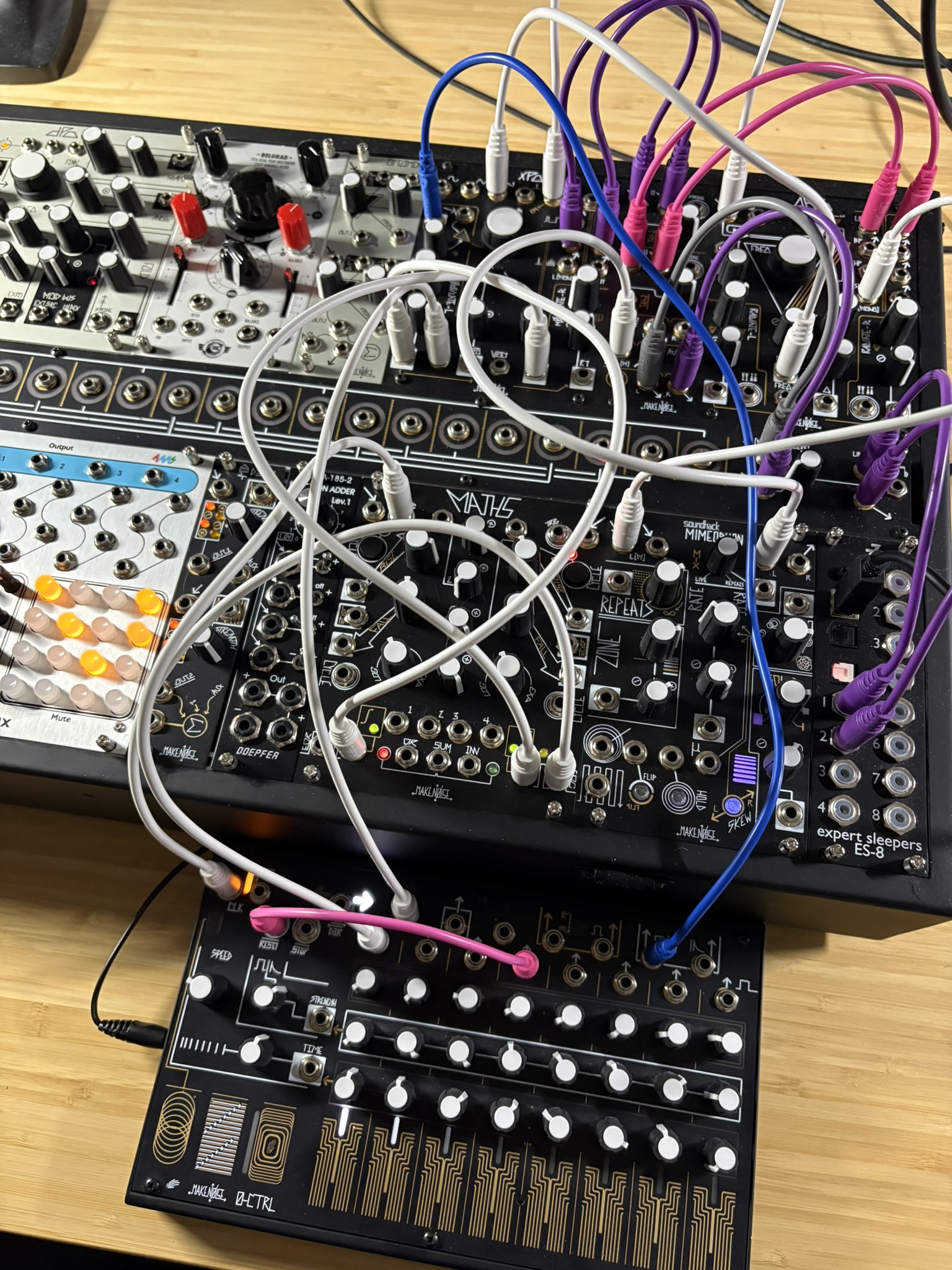
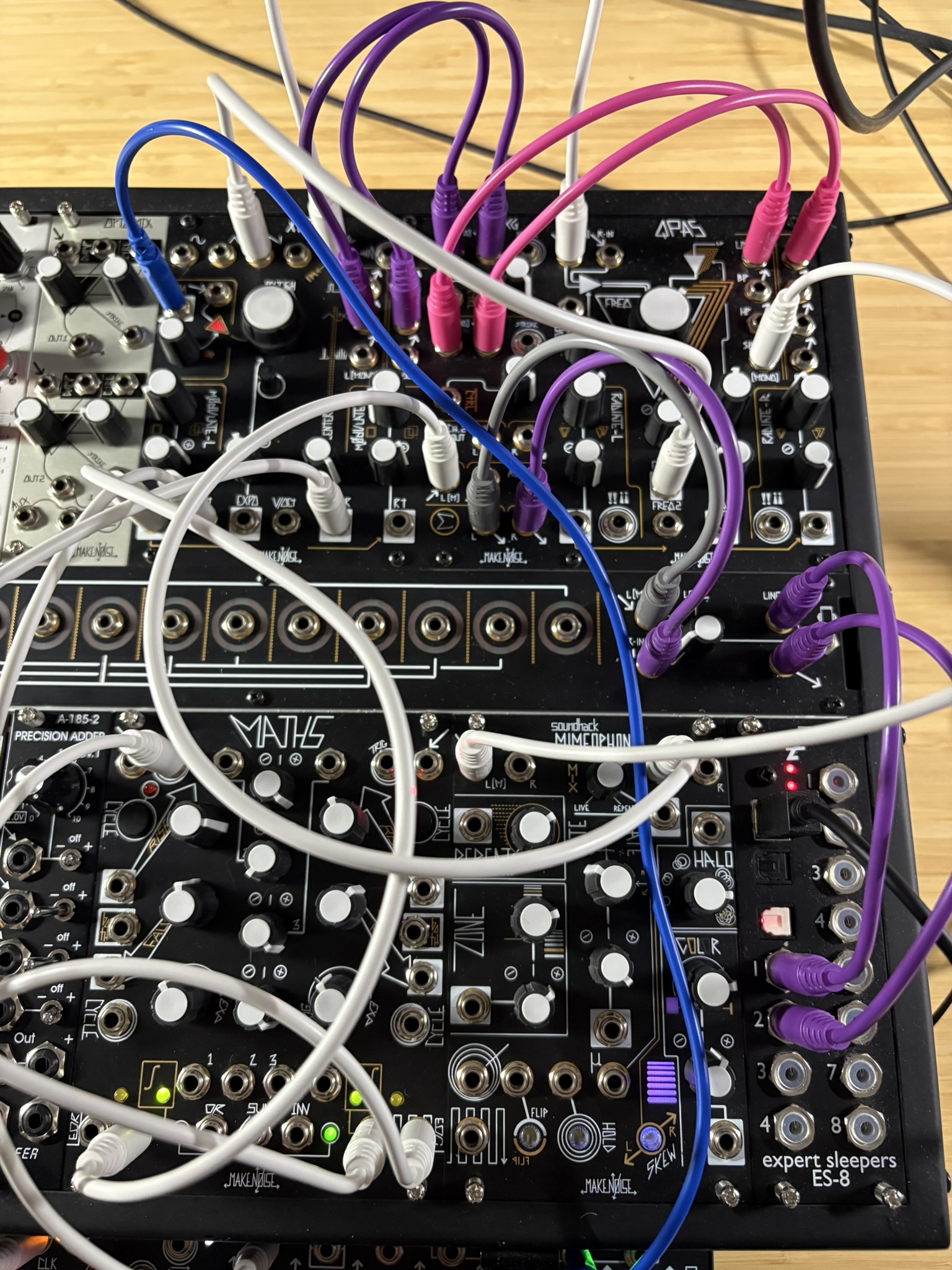
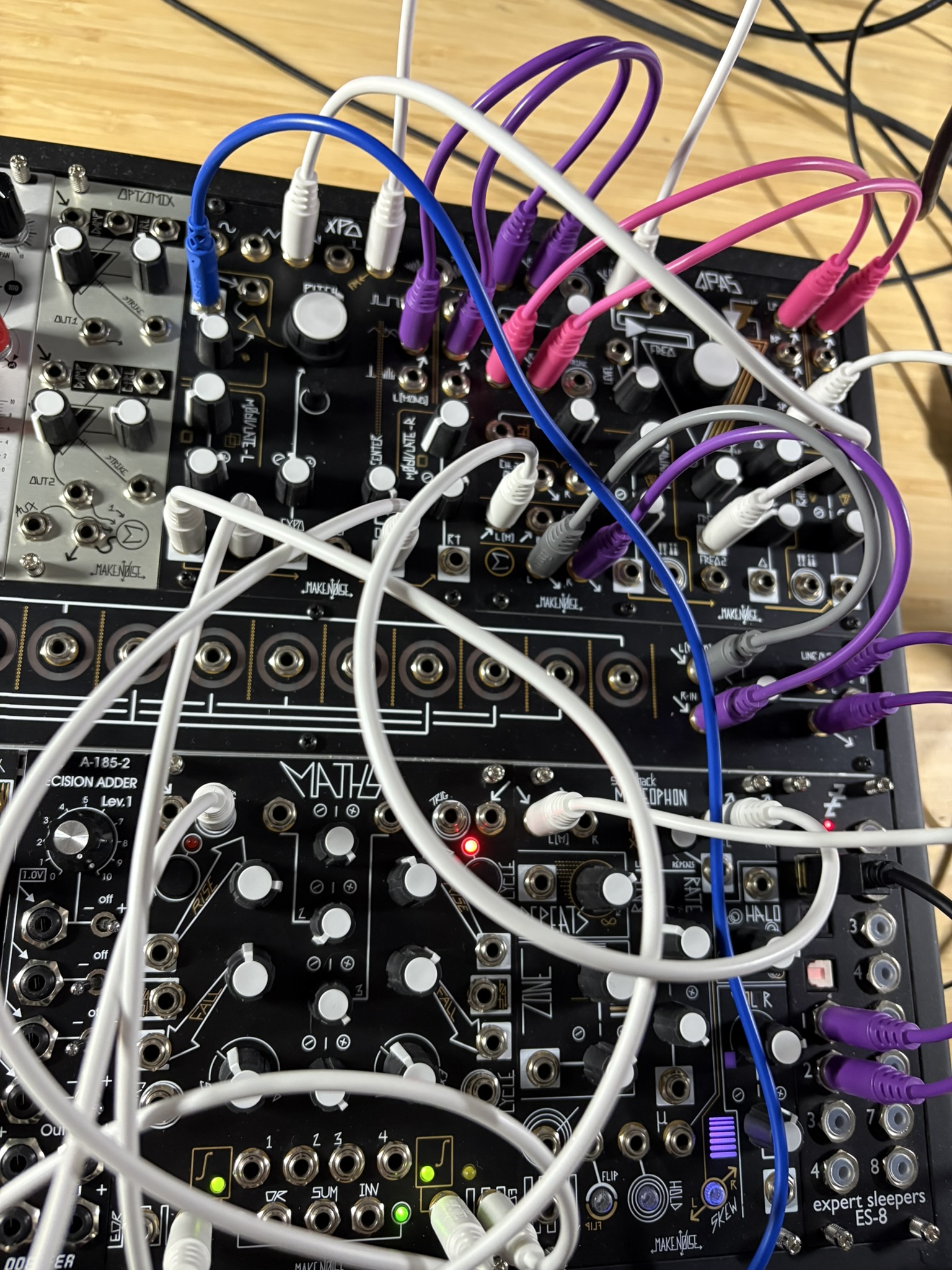
Technique
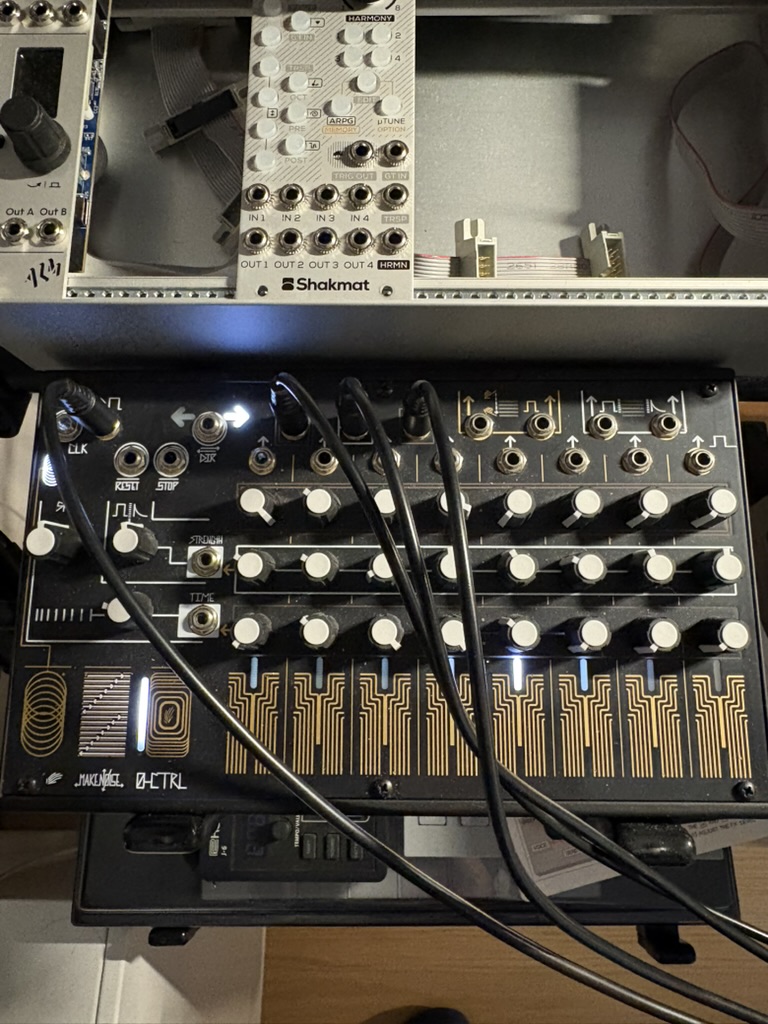
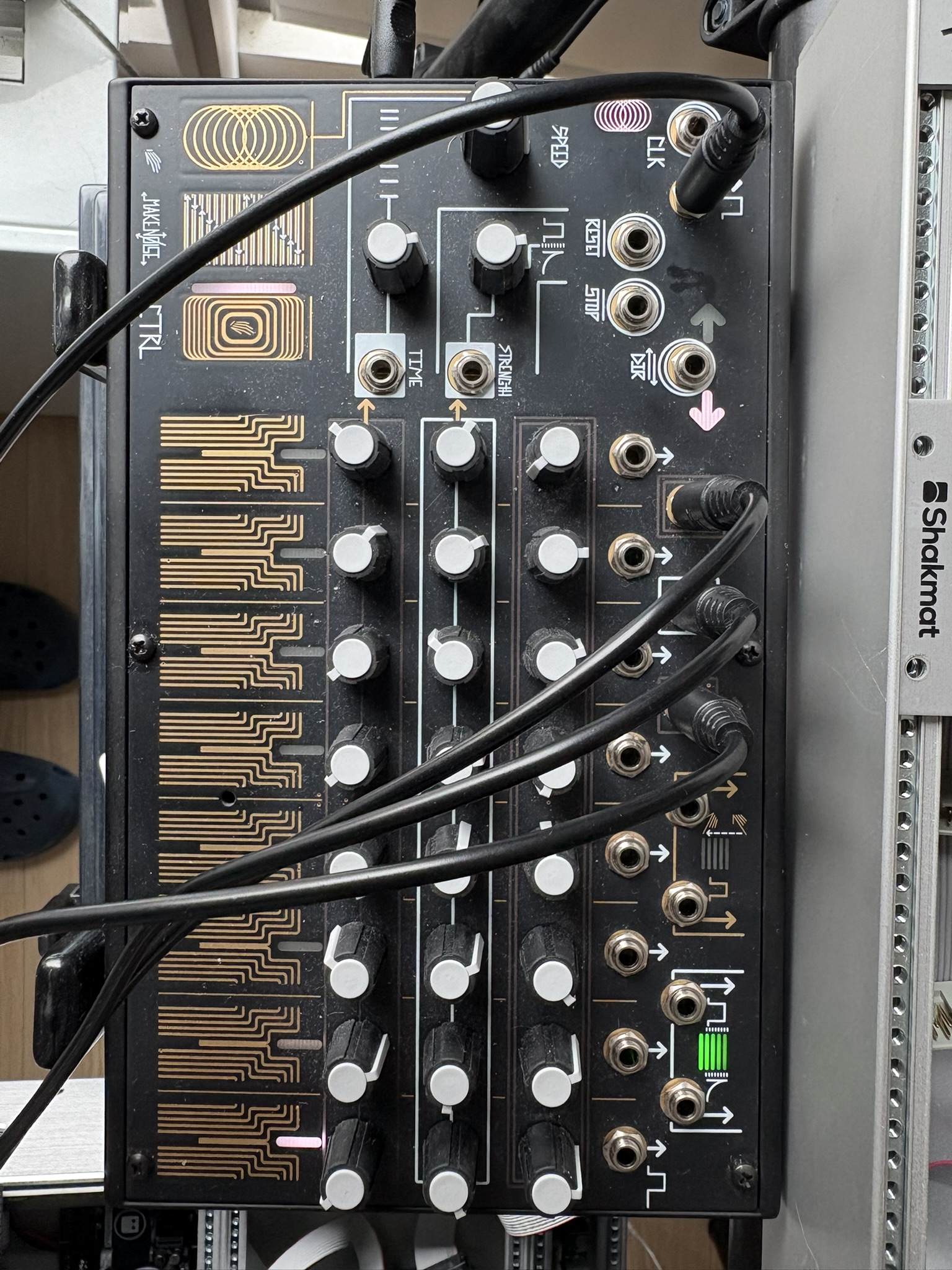
- BPM ~135, pulse-driven from 0-CTRL
- Dissonance builds through the middle (0.34 → 0.47) then drops back — tension and release arc
- Spectral flatness stays low (~0.035) — tonal throughout, not noise-based
Sound & Characteristics
Three-part arc across ~2:45:
Opening (0-30s): Loud and warm. Centroid around 1500-2400 Hz, low dissonance.
Middle (60-120s): Volume drops ~40%, brightness peaks at 3170 Hz around 1:30, dissonance climbs to 0.47, flatness nearly doubles. Thinner, more exposed, harmonically tense.
Return (130-160s): Volume returns, centroid settles around 2050 Hz, dissonance and flatness drop back. Warmer and more resolved than the opening.
Patch Notes
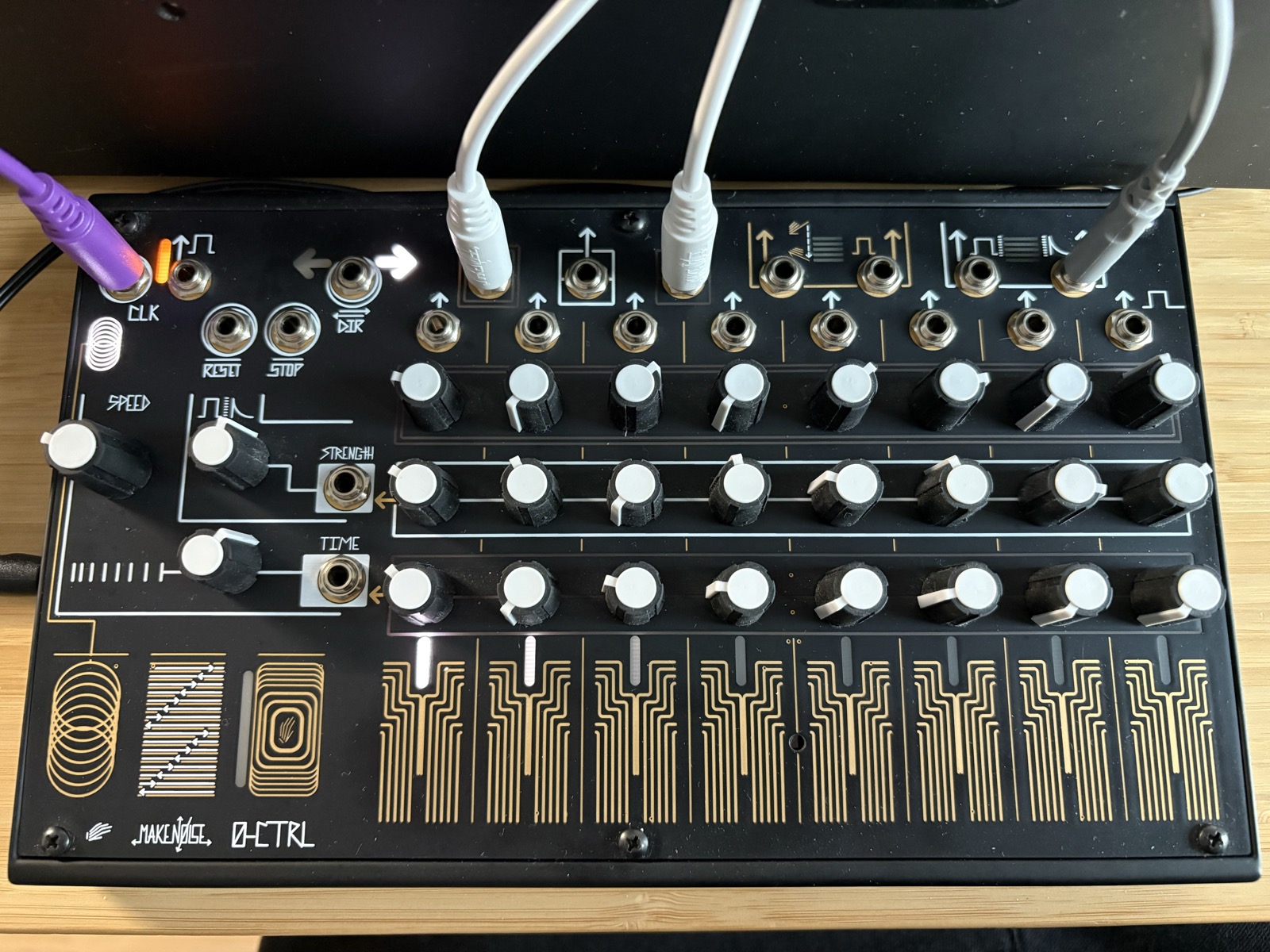
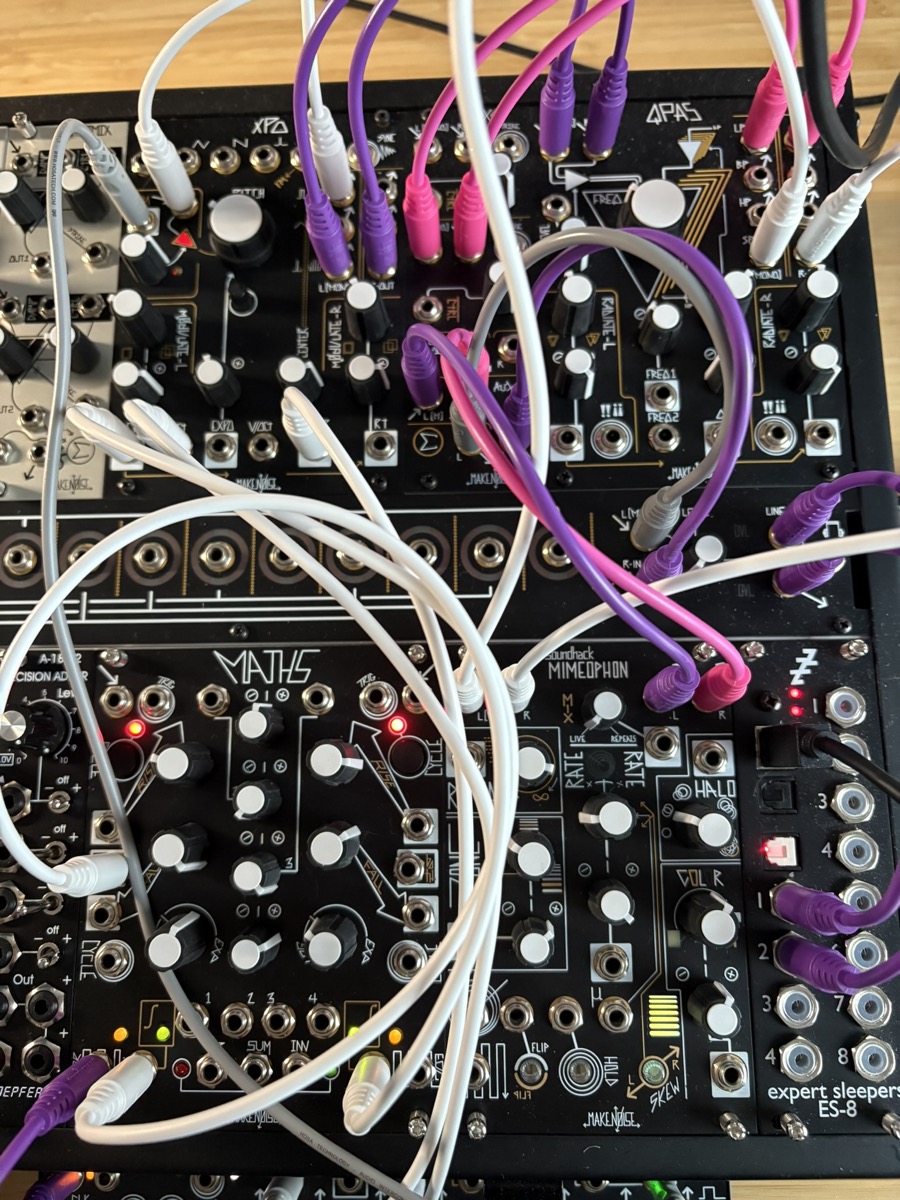
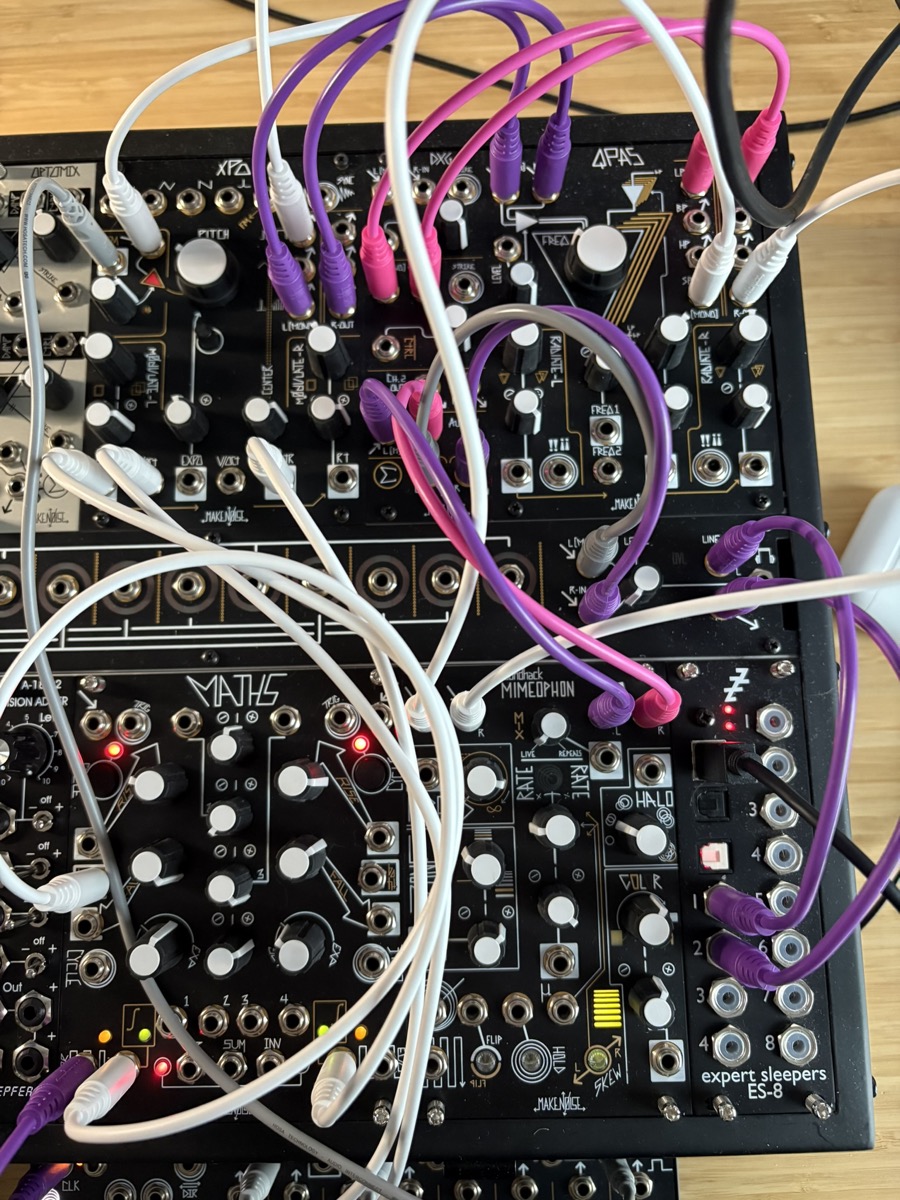
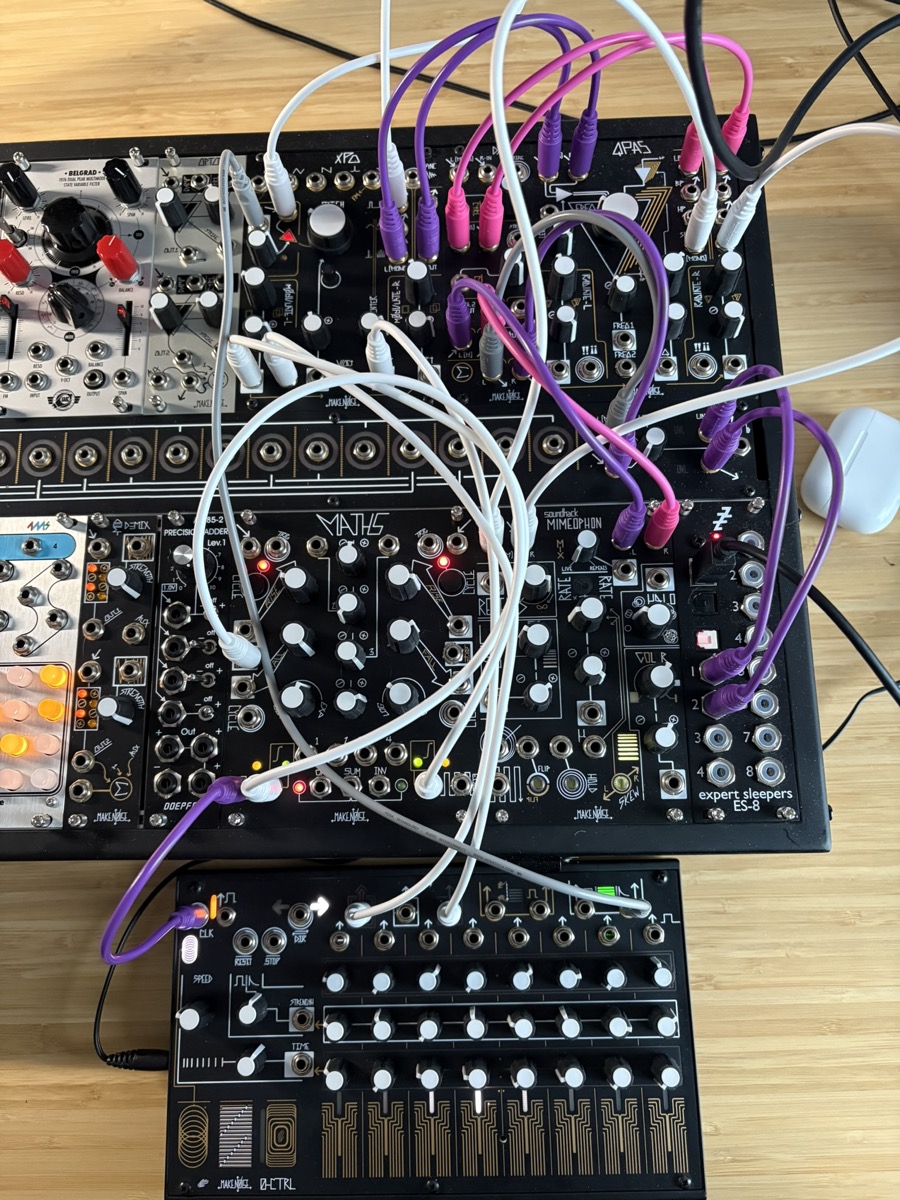
Technique
- BPM ~140, 0-CTRL driving the rhythm
- Dynamic complexity: 2.11 — moderate, with clear loud/quiet sections
- Spectral flatness low (~0.03) — tonal throughout
Sound & Characteristics
~6:30 session with a wide dynamic arc:
Opening (0-60s): Loud and steady (loudness ~57-61), warm centroid around 1800-2000 Hz. Confident, grounded sound.
Descent (70-130s): Volume drops sharply by ~50%. A dip to 800 Hz centroid at 1:20 — a moment of near-silence or very low register. Dissonance eases slightly.
Exploration (130-270s): Quieter, more varied. Brightness fluctuates widely — centroid spikes to 3750 Hz at 3:20 and 4190 Hz at 4:00. Flatness increases, the sound becomes more textural and less pitched.
Return (280-330s): Volume surges back to opening levels (~57). Centroid drops back to 1200-1900 Hz — the warmest passage in the piece.
Fade (340-390s): Brightness climbs sharply to 4000-4400 Hz while volume drops to the lowest point. The piece dissolves into high, thin, noisy texture — flatness peaks at 0.064.
Practice Session
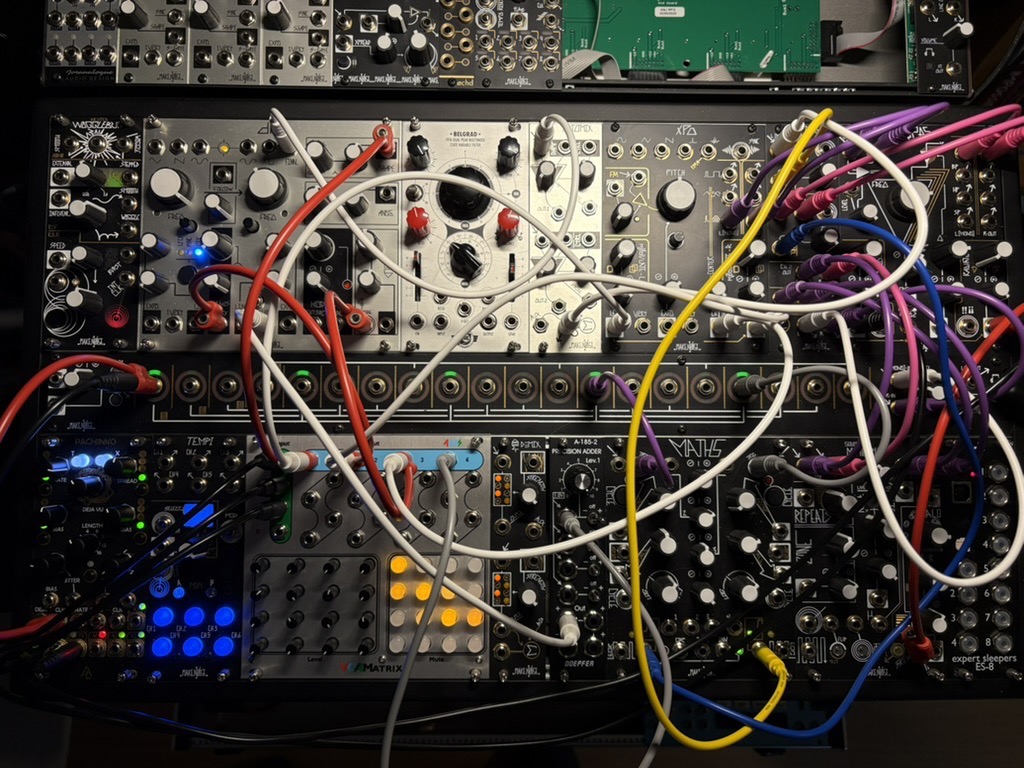
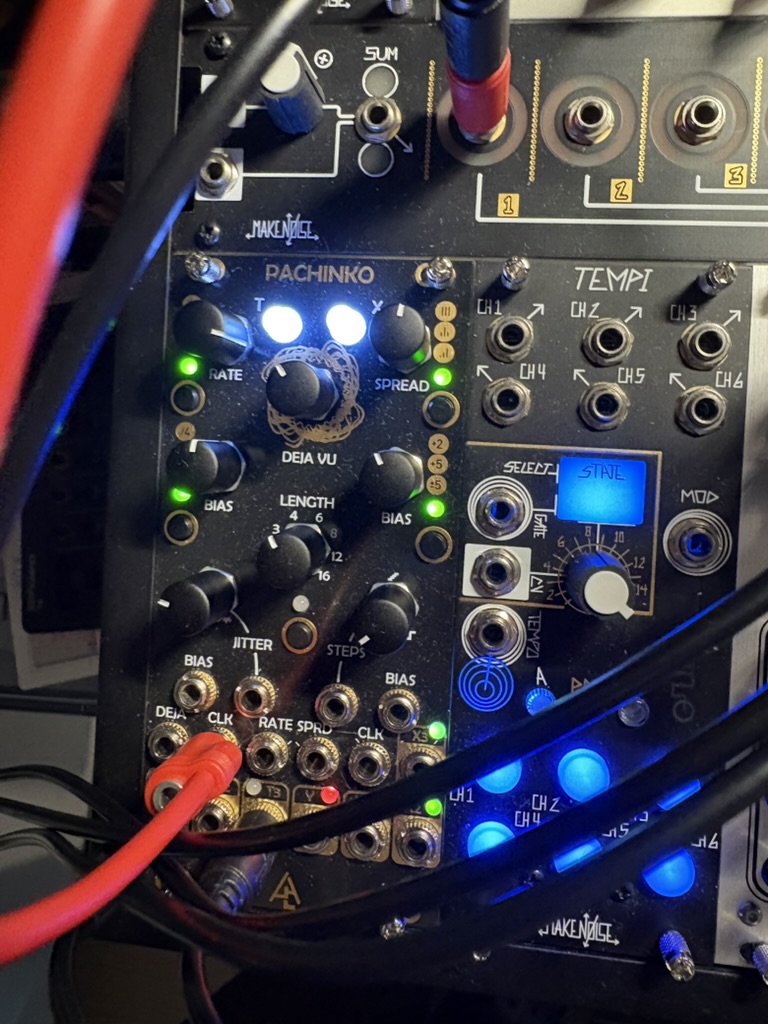
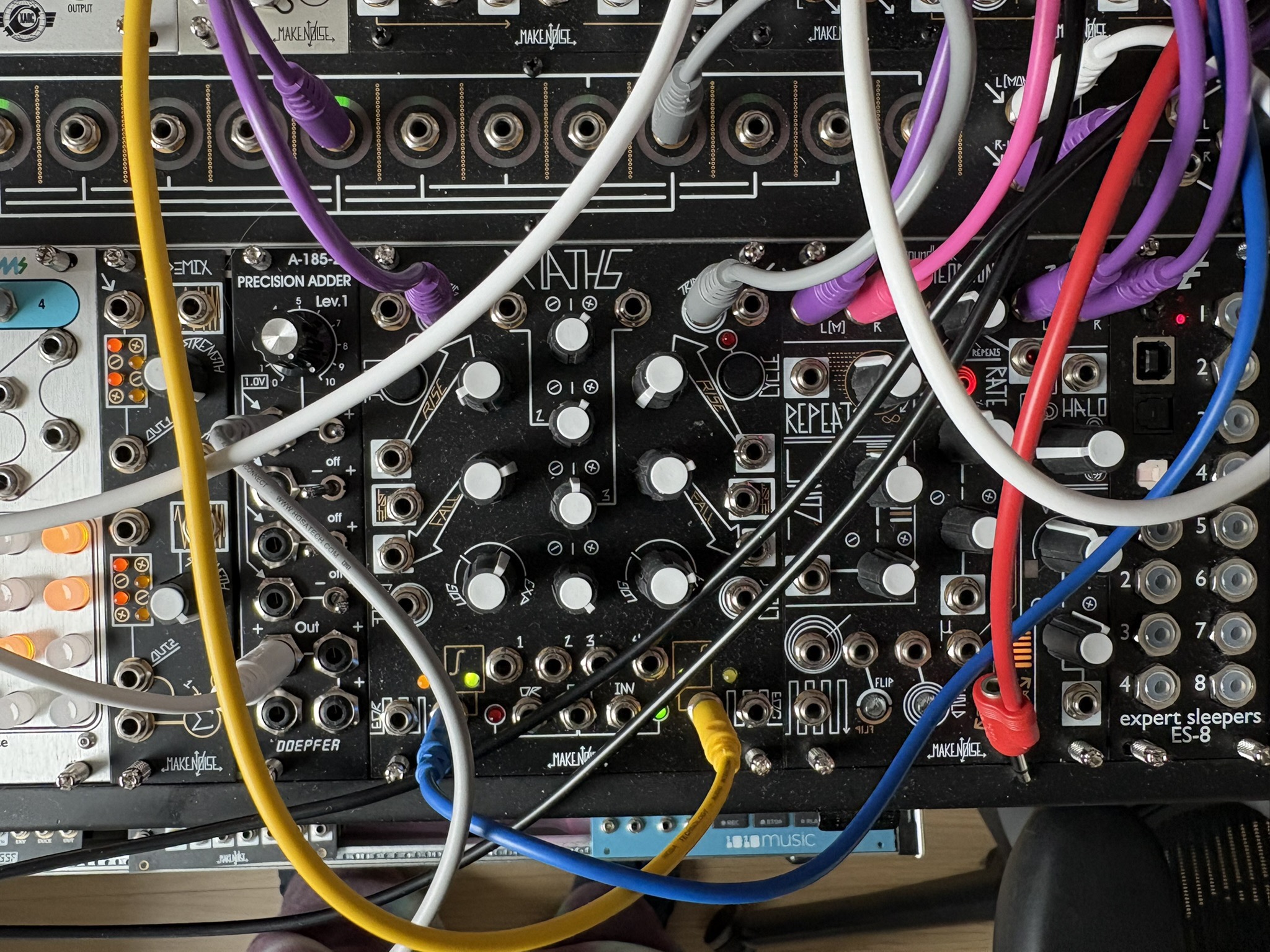
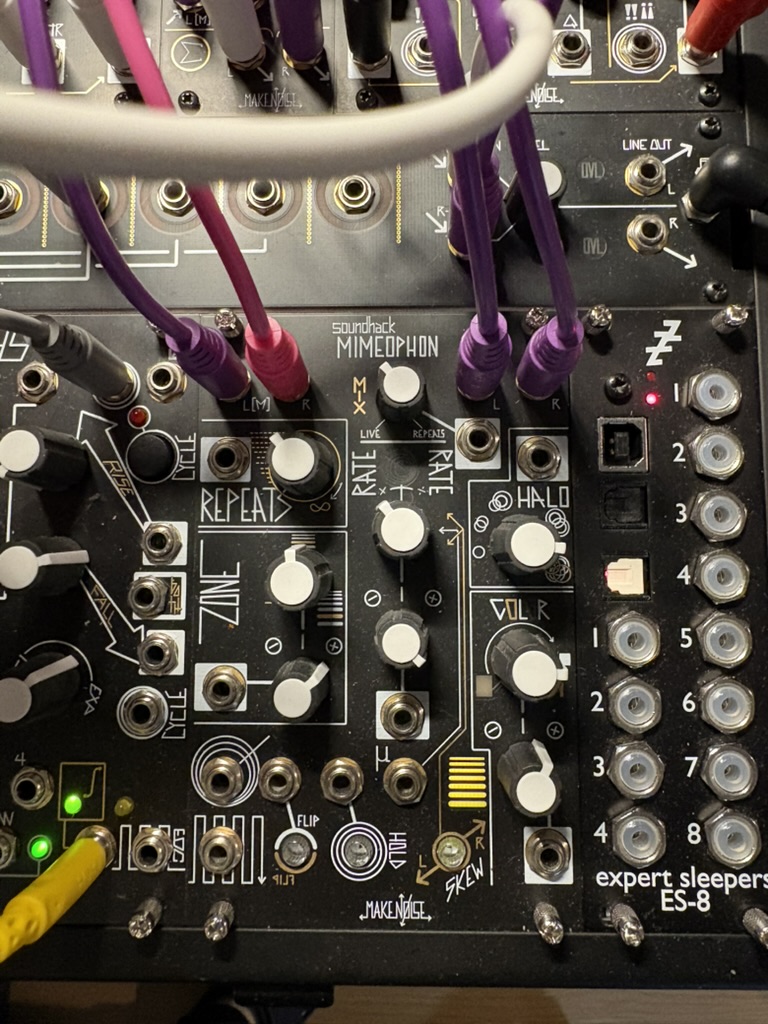
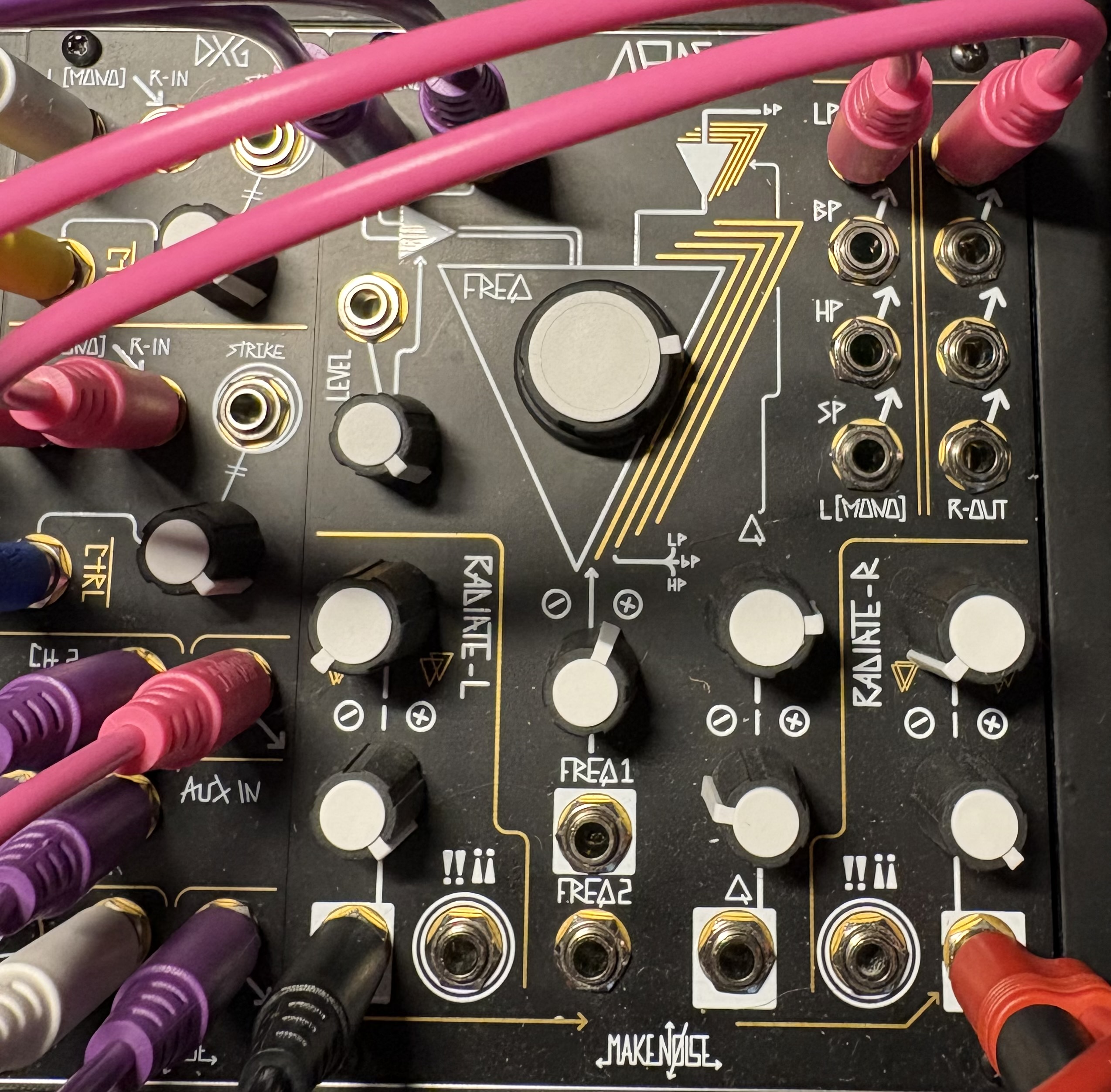
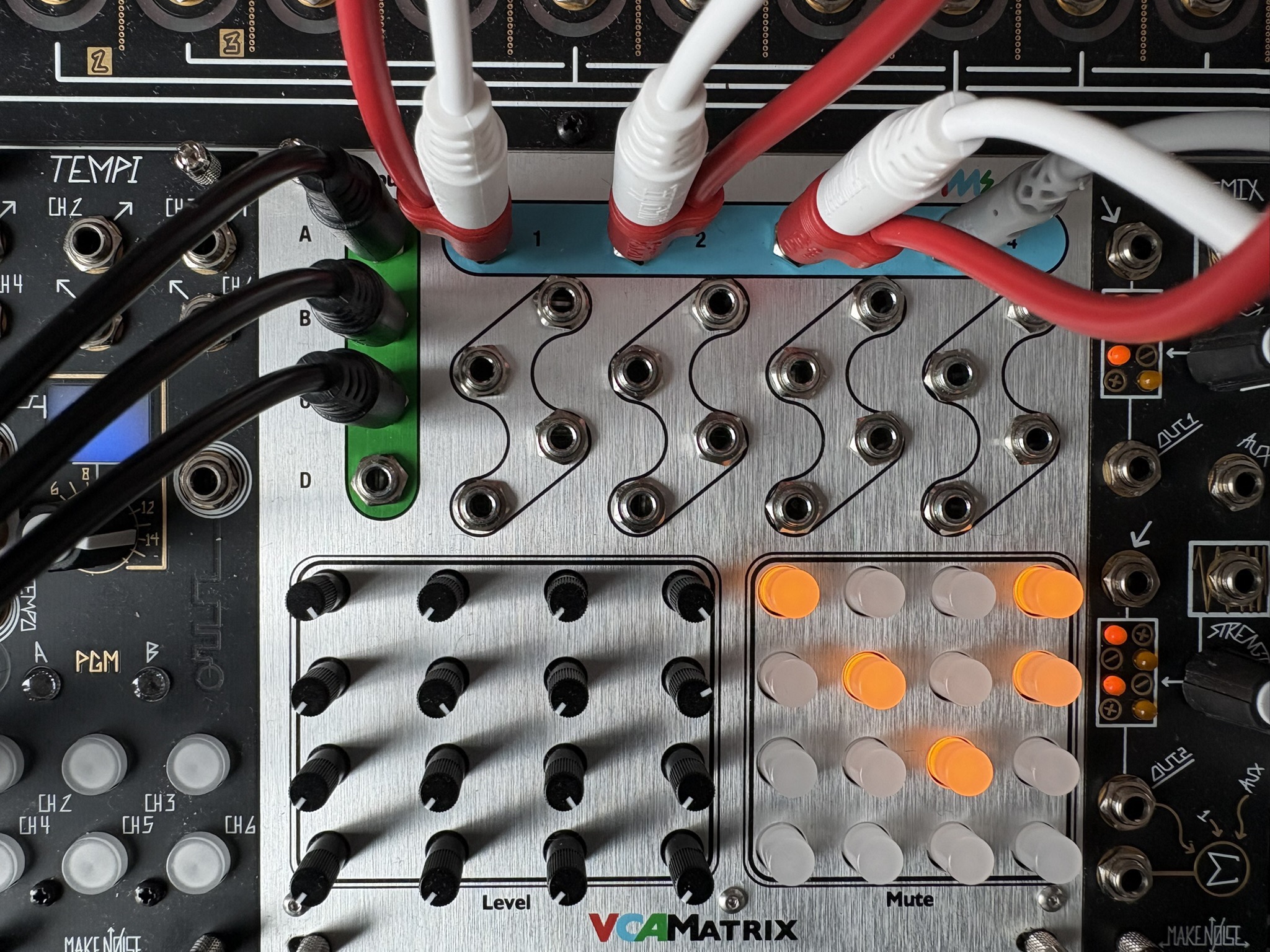
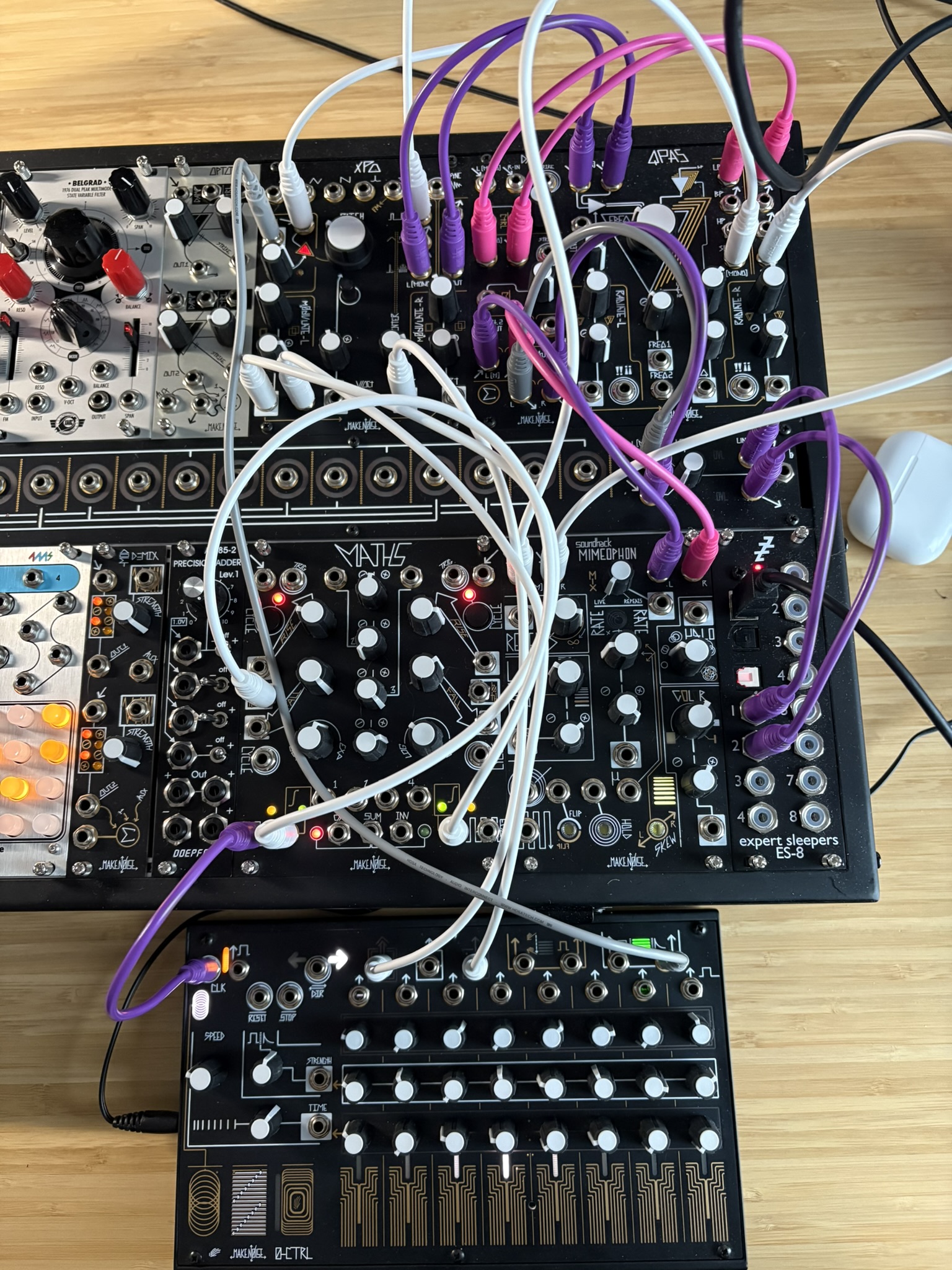
Session Notes with Matthew — From Patching to Practice
This session shifted something fundamental in my practice. We talked less about modules and more about structure — how I document, analyze, and prepare.
1. Documenting Patches — Technique vs Sound
Technique
This layer focuses on structure — what is happening and why.
- What modules are interacting?
- What modulates what?
- What is the central idea or constraint?
- What rule defines the patch?
Examples:
- One oscillator FM’ing another at a fixed ratio
- Two envelopes phase-offset from a shared clock
- A slow modulation shaping timbre over several minutes
- A rule such as: “No additional voices beyond two”
Technique is repeatable. It is abstract and transferable.
Sound & Characteristics
This layer captures how the patch behaves.
- Dense vs sparse
- Stable vs unstable
- Organic vs mechanical
- Aggressive vs meditative
- Static vs evolving
Separating technique from sound builds a vocabulary — structure on one side, perception on the other.
2. Building a Patch Database
The goal is to move from scattered notes toward a structured archive.
Each entry includes:
- Technique description
- Sound characteristics
- Modules involved
- Audio or video link
- Tags (FM, two-voice, slow evolving, polyrhythmic, etc.)
- Notes on what worked and what didn’t
The aim is to stop relying on memory and start building a reusable vocabulary.
3. Analyzing a Live Set — Macro Thinking
Beyond individual patches, the focus shifts to analyzing entire sessions.
Energy
- Does intensity shift over time?
- Where does tension build?
- Where does it release?
Distribution
- Are quieter passages given space?
- Does density ebb and flow?
- Is pacing intentional?
Time & Development
- Do ideas evolve long enough?
- Are transitions meaningful?
Contrast
- Fast vs slow
- Thick vs minimal
- Rhythmic vs textural
- Predictable vs unstable
The key question becomes: Does the session have shape?
4. Recital Setup — Two Voices
For the end-of-month performance, I’m simplifying.
Voice 1: Rhythm / Foundation
- Structural anchor
- Repetitive or pulse-based
- Provides grounding
Voice 2: Decoration / Response
- Expressive layer
- Textural or melodic
- Reactive to Voice 1
The focus is clarity. Two roles. No competition.
Conclusion
This session marked a shift — from exploring modules to shaping a language.
- Documenting techniques
- Mapping sonic qualities
- Analyzing structure
- Preparing with intention
Documenting Modular Synth Patches
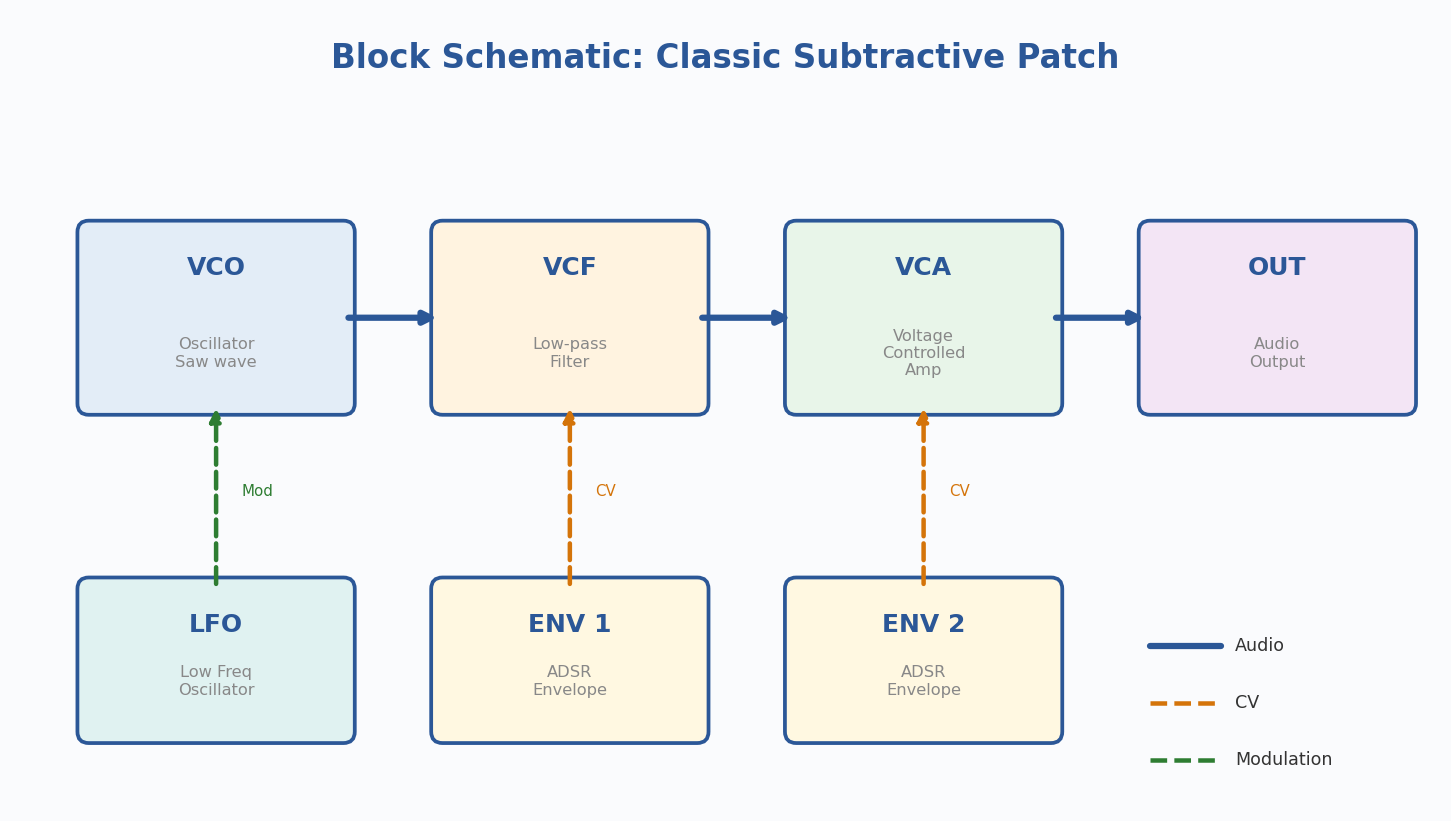
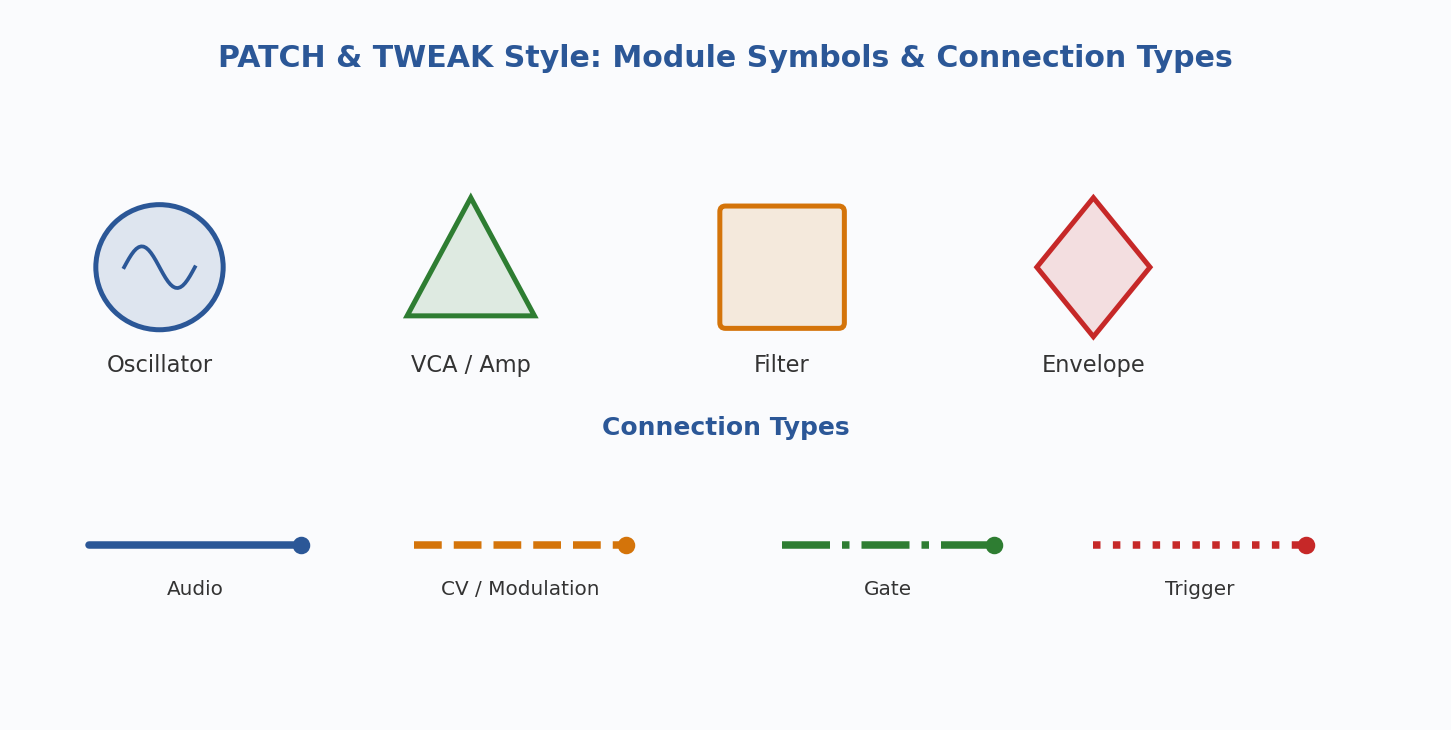
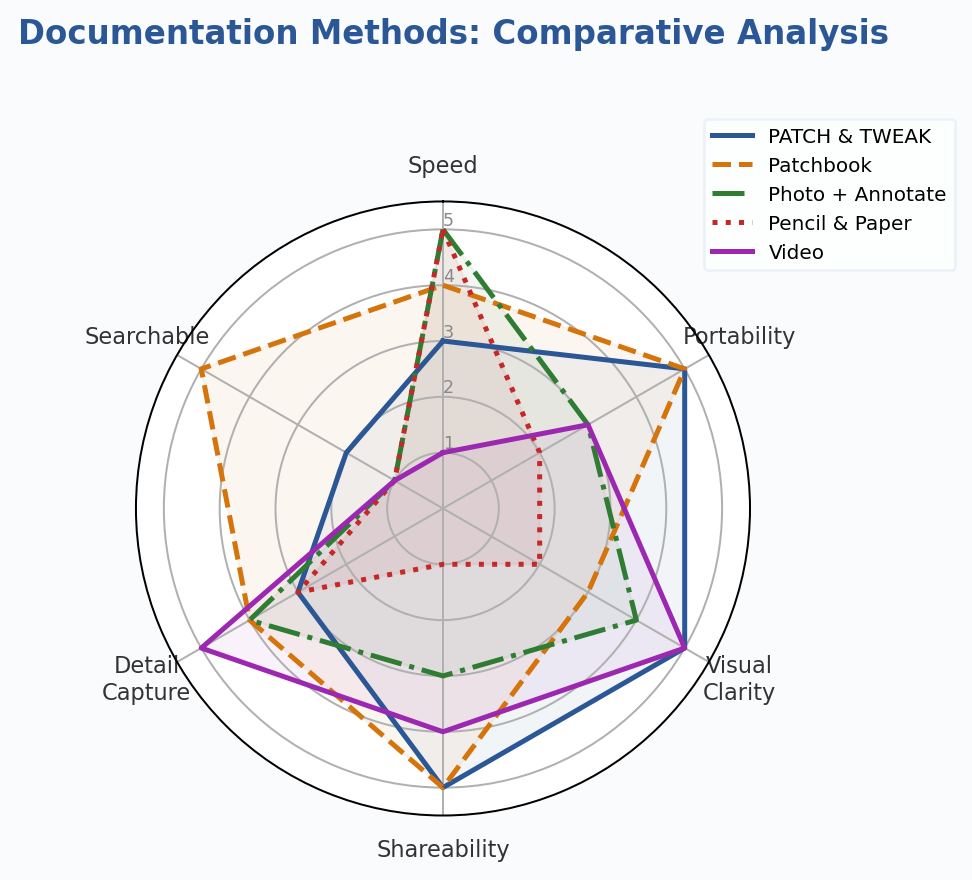
Research overview on visual techniques, tools, and approaches for documenting modular synth patches. Modular patches are ephemeral — disconnect a cable and the sound is gone — so the community has developed a variety of methods to capture and communicate these configurations.
Historical Methods
Patch Sheets
The original documentation method, dating back to the 1960s. Don Buchla shipped large A3-sized pre-marked patch sheets with his 100 Series systems — printed representations of the front panel where you mark cable connections and annotate knob positions. Moog adopted a similar approach. The key limitation: they’re system-specific. A Buchla sheet is meaningless for a Moog system.
Block Schematics
Allen Strange introduced a more portable notation in his 1972 book Electronic Music: Systems, Techniques, and Controls. Rather than mapping physical layout, he used flowchart-like graphics representing synthesis building blocks: oscillators, filters, amplifiers, envelope generators. Later dubbed “block schematics” by Rob Hordijk.
Modern Visual Techniques
1. PATCH & TWEAK Symbol System
Developed by Kim Bjorn for the book PATCH & TWEAK, this is a standardized, module-agnostic visual language using symbols and color-coded connections. Released under Creative Commons.
- Distinct symbols for oscillators, filters, envelopes, LFOs, mixers, VCAs
- Color-coded connections differentiate audio, CV, gate, and trigger signals
- Optimized for learning and sharing between users with different systems
- Free to download from patchandtweak.com/symbols
Strengths: Universal, well-designed, community-adopted, free Limitations: Learning curve for the symbol set; less intuitive than a photo for quick recall
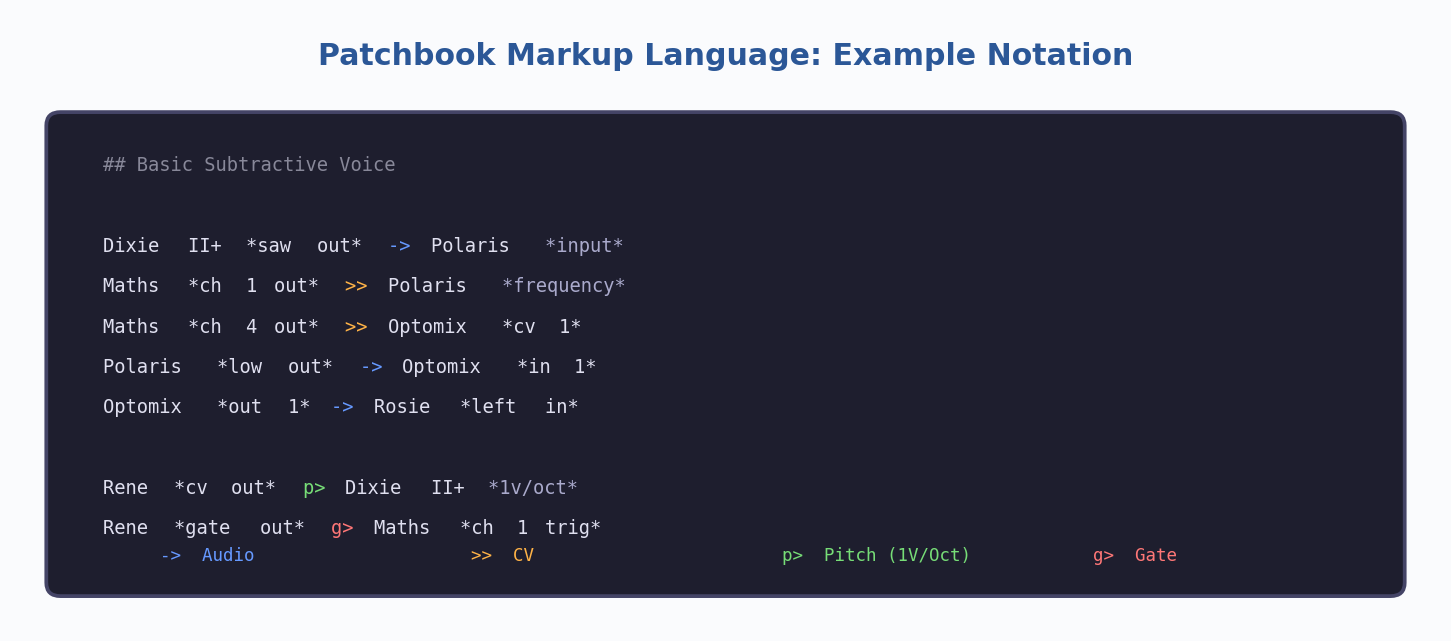
2. Patchbook Markup Language
A text-based markup language designed to be both human-readable and machine-parseable. Write patches in plain text using simple connection symbols.
->for audio connections,>>for CV,p>for pitch,g>for gate- Can include knob settings and module parameters as annotations
- Designed as an open standard the community can build tools around
- Text files are lightweight, versionable, and easy to share online
Strengths: Portable, searchable, machine-readable, no special software needed Limitations: Not visual by itself; requires rendering tools for graphical output
3. Synth Patch Library (Online Tool)
A free web-based application with a visual patch schema editor, drag-and-drop functionality, audio upload, and community sharing features.
Strengths: All-in-one solution, visual editor, audio support, community features Limitations: Requires internet; patches live on an external platform
4. Photography and Digital Annotation
Photograph your patched system, then optionally annotate in a drawing app. Some users grab their rack layout from ModularGrid and overlay drawn patch cables.
Strengths: Fast, intuitive, captures physical detail, no learning curve Limitations: Hard to read with dense patches; not searchable
5. Patch Deck Cards
Created by Kim Bjorn and Chris Meyer — a physical deck of cards with tips, techniques, and patch ideas using a simplified signal-flow visual language. Brand- and module-agnostic.
Strengths: Tangible, inspiring, great for learning, portable Limitations: Fixed content; not a system for documenting your own patches
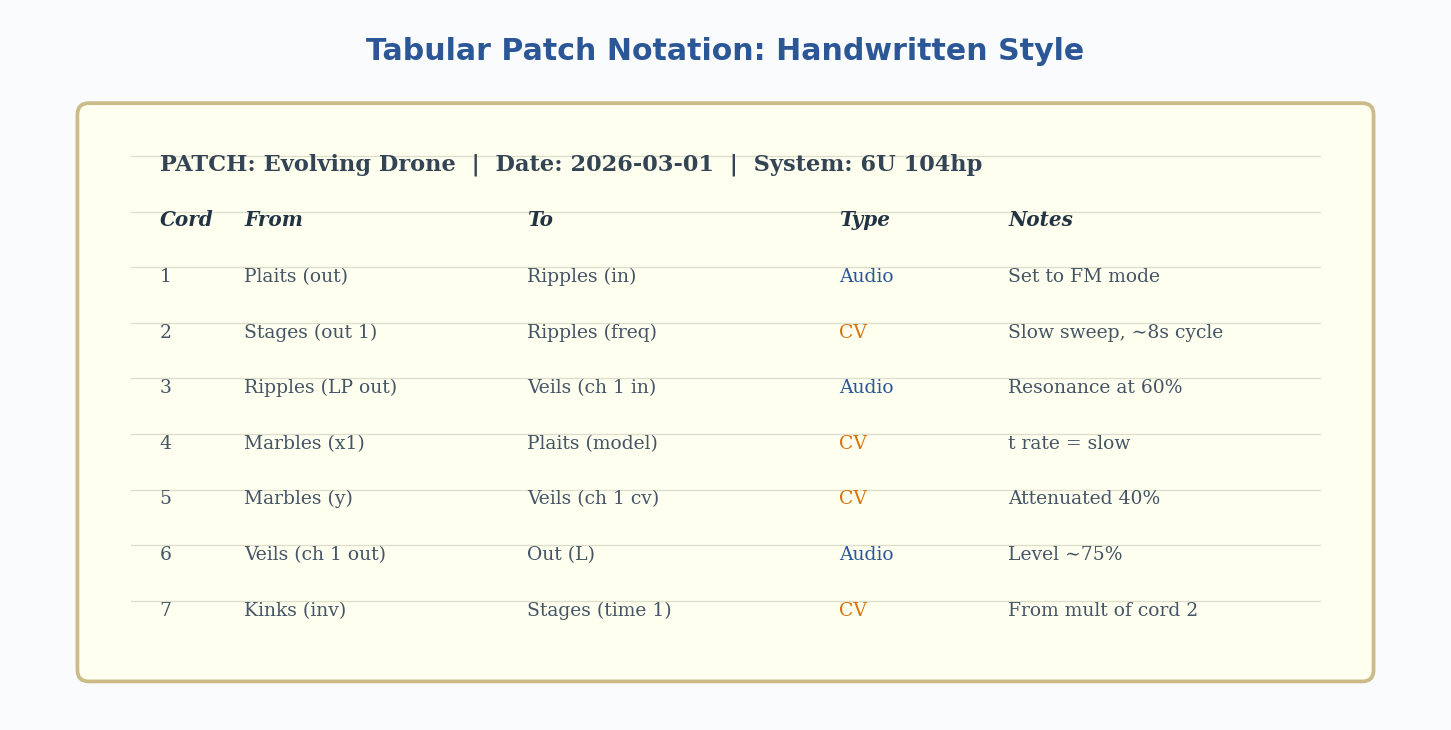
6. Pencil, Paper, and Tabular Notation
Many experienced synthesists prefer handwritten documentation. A common approach is a numbered table of cable connections. Can document a full 6U x 104hp system in about five minutes.
Strengths: Fastest method, zero dependencies, highly flexible Limitations: Not shareable digitally without scanning; no visual representation of signal flow
7. Video Recording
Recording the patching process creates a step-by-step tutorial for your future self. Captures the process, not just the end state.
Strengths: Captures performance techniques and process; rich medium Limitations: Time-consuming to review; hard to quickly reference a specific setting
The Unsolved Problem: Performance Over Time
Nearly all documentation methods focus on the static configuration of a patch. What they struggle to capture is the performance dimension: how the synthesist interacts with the patch over time — turning knobs, pushing sliders, sequencing changes. This temporal, gestural aspect remains one of the most difficult things to notate. Video comes closest but trades away quick-reference quality.
Comparative Analysis
| Method | Speed | Portability | Visual Clarity | Best For |
|---|---|---|---|---|
| Patch Sheets | ★★★ | ★ | ★★★ | Single-system recall |
| Block Schematics | ★★ | ★★★ | ★★★ | Teaching & sharing |
| PATCH & TWEAK | ★★ | ★★★ | ★★★ | Community sharing |
| Patchbook | ★★★ | ★★★ | ★★ | Digital archives |
| Photo + Annotate | ★★★ | ★★ | ★★ | Quick personal docs |
| Pencil & Paper | ★★★ | ★ | ★ | Fast personal notes |
| Video | ★ | ★★ | ★★★ | Capturing performance |
Practice Session
Practice Session
Practice Session
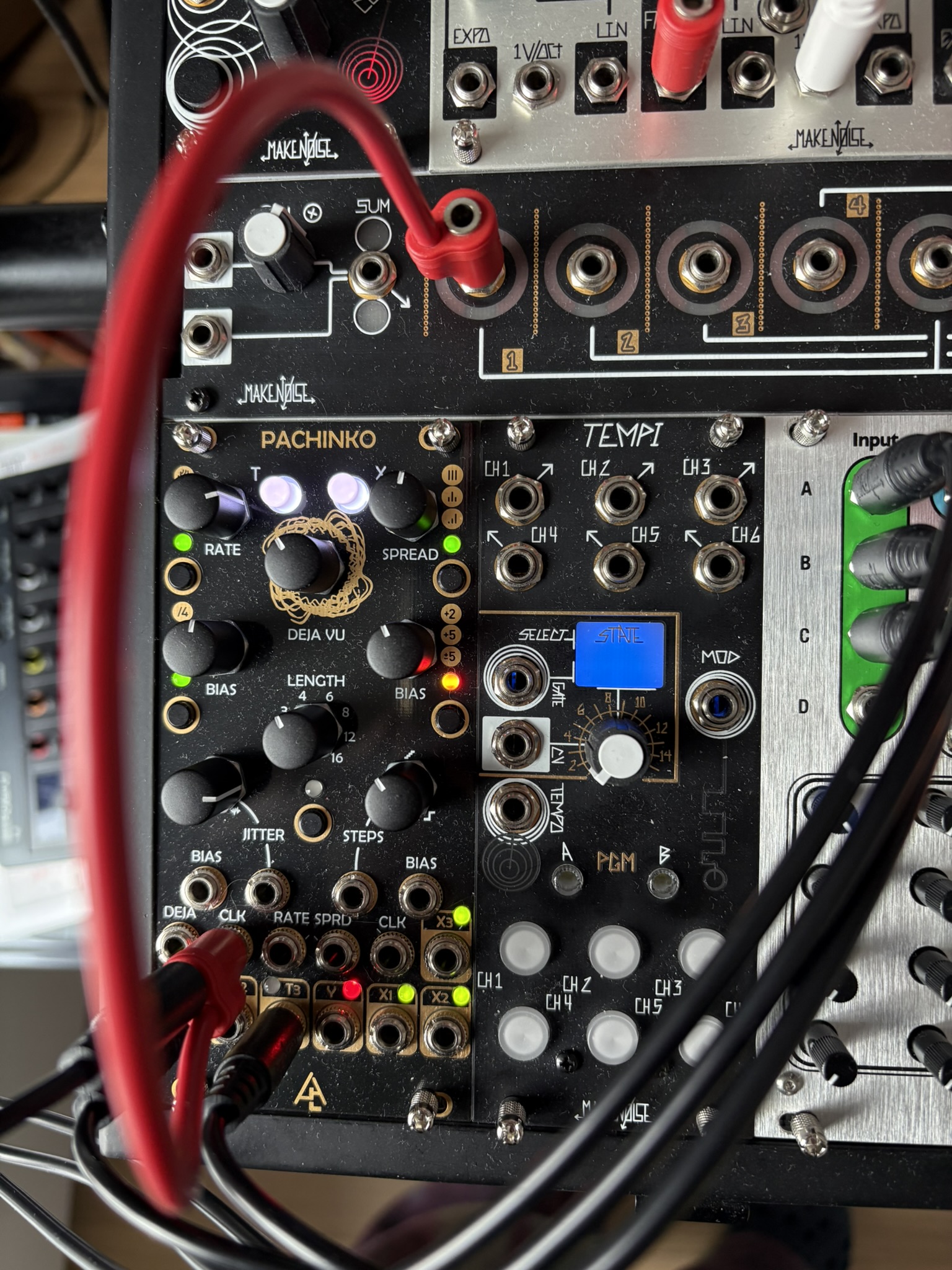
Using Pachinko (Marbles clone) as a clock. Topic from a session with Matthew.
Practice Session
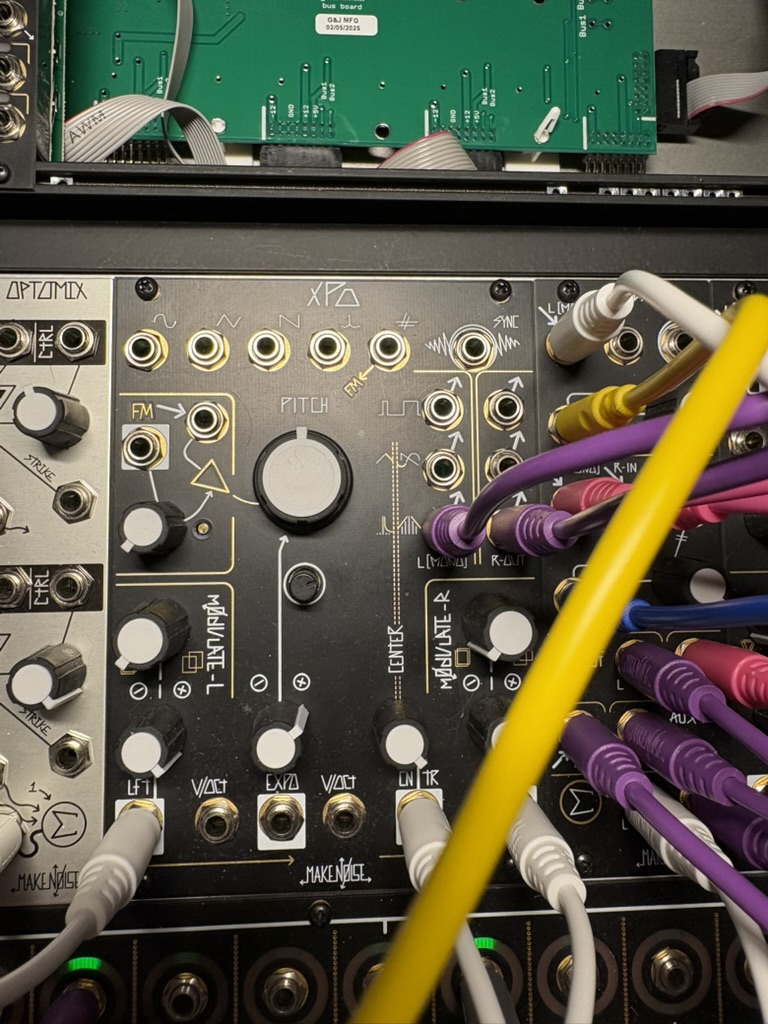
XPO Exploration
Practice Session
Generated Album Covers
A collection of SVG album cover illustrations generated by Claude Code — abstract interpretations of iconic electronic/ambient albums.
Artists
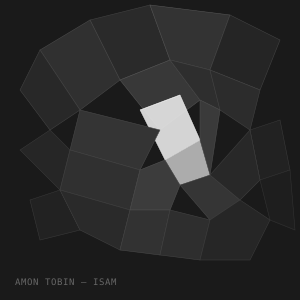 Amon Tobin — ISAM
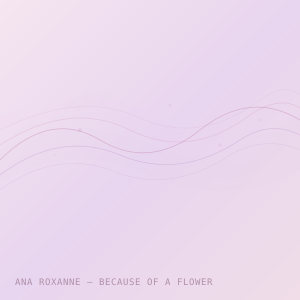 Ana Roxanne
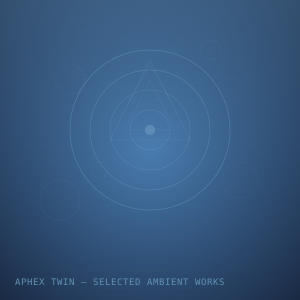 Aphex Twin — SAW
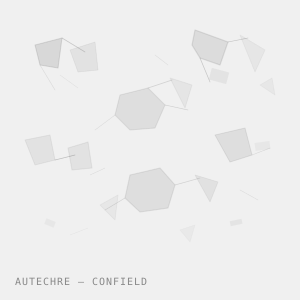 Autechre — Confield
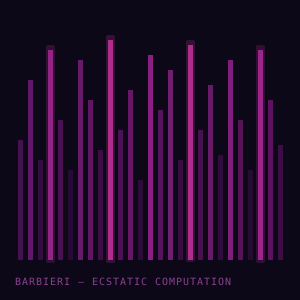 Barbieri — Ecstatic Computation
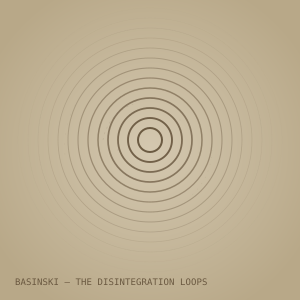 Basinski — Disintegration Loops
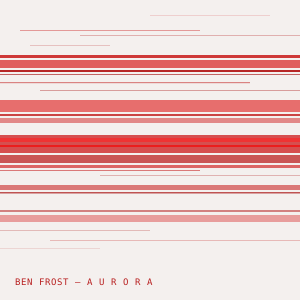 Ben Frost — Aurora
 Beverly Glenn-Copeland
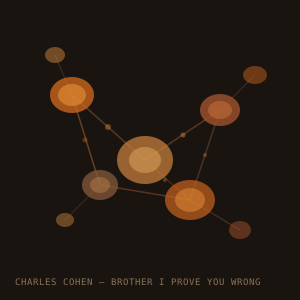 Charles Cohen
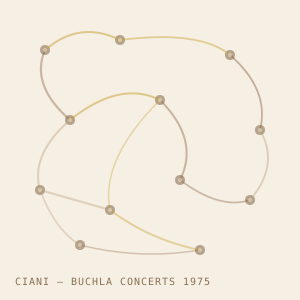 Ciani — Buchla Concerts
 Cortini — Volume Massimo
 Deepchord — Hash-Bar Loops
 Emily Sprague
 Grouper — Ruins
 Hainbach
 Iasos
Iasos Joanna Brouk
 Julianna Barwick
 KAS — EARS
 Kelly Moran
 Laraaji — Radiance
 Lawrence English
 Loscil — Submers
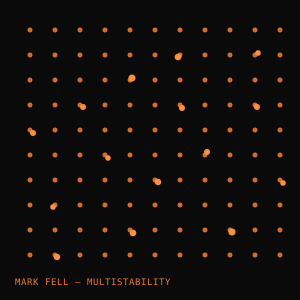 Mark Fell — Multistability
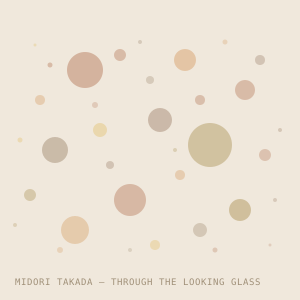 Midori Takada
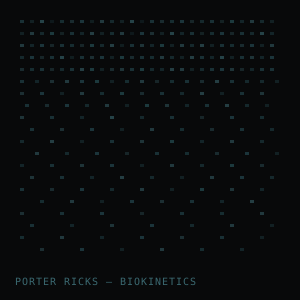 Porter Ricks — Biokinetics
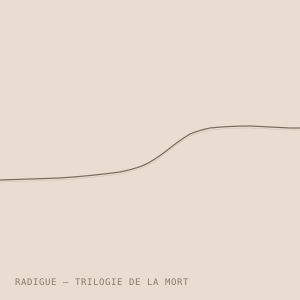 Radigue — Trilogie
 Rhythm & Sound
 Sarah Davachi
 Stars of the Lid
 Suzanne Kraft
 Tim Hecker — Ravedeath
 Todd Barton
 Visible Cloaks
 Vladislav Delay — Multila
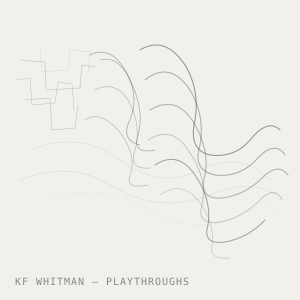 Whitman — Playthroughs
Clicks & Cuts Moodboard
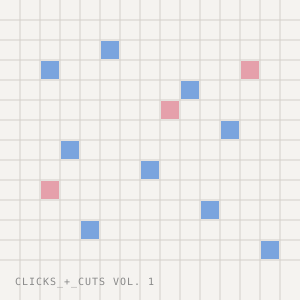 Clicks+Cuts Vol.1
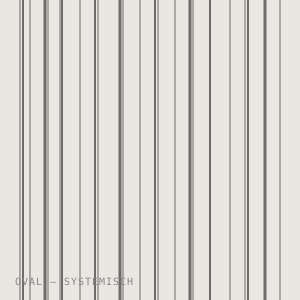 Oval — Systemisch
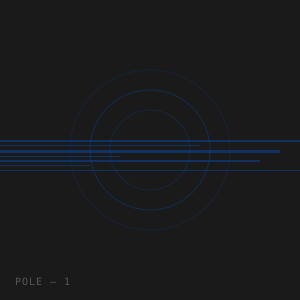 Pole — 1
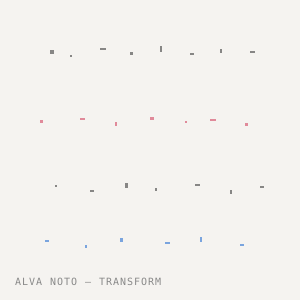 Alva Noto — Transform
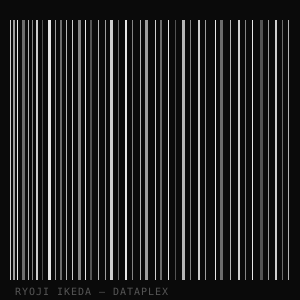 Ryoji Ikeda — Dataplex
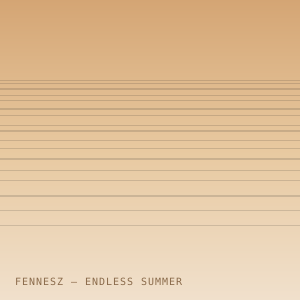 Fennesz — Endless Summer
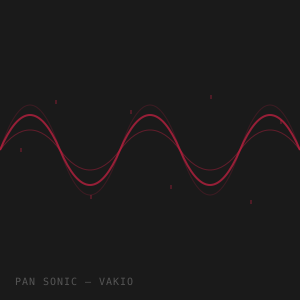 Pan Sonic — Vakio
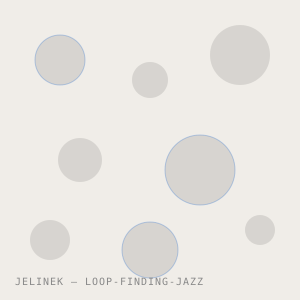 Jelinek — Loop-Finding-Jazz
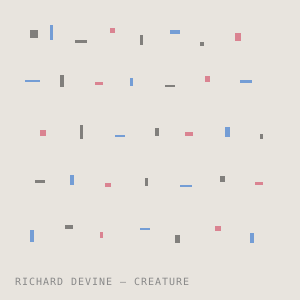 Richard Devine — Creature
Making Drums from Gate Signals via the QPAS
The core concept is elegant: a gate signal has a sharp transient attack followed by a sustain and release. By driving the QPAS’s radiate/resonance into self-oscillation, you can treat the filter itself as a pitched sound source, and then use the gate (often via an envelope) to excite it — like physically striking a tuned resonator.
The Core Technique: Filter Ping
The QPAS has a pair of bandpass filters in a stereo configuration with its unique Radiate parameter controlling the interaction between them. When you push Radiate high and increase Q (resonance), the filters approach and eventually enter self-oscillation — they ring at their cutoff frequencies like tuning forks.
A short trigger or gate sent to the audio input (or used to modulate the input level via a VCA) causes the filters to “ping” — they ring out at their tuned frequency and naturally decay. This is the same physics as hitting a bell or a drum: an impulse excites a resonant body, which then decays at its natural frequency.
Basic patch:
- Send a gate or trigger from your clock/sequencer into a fast envelope (e.g. Zadar or Maths)
- Run the envelope into a VCA, with white noise or the gate itself as the audio input
- Patch that VCA output into QPAS audio input
- Set QPAS resonance high (close to or at self-oscillation)
- The Radiate parameter controls the stereo character — low Radiate = both filters in phase (thicker, mono-ish), high Radiate = filters spread into stereo image
Drum Voices You Can Make
Kick drum: Tune QPAS low (60–100 Hz range), hit it with a short impulse, then modulate the cutoff frequency downward with a fast envelope (pitch drop is key for a convincing kick). The Zadar is great here — use one channel as the audio envelope, another for cutoff CV with a sharp initial peak that falls fast.
Tom / resonant thud: Slightly higher tuning, slower pitch envelope decay, moderate Q. The QPAS’s stereo bandpass character gives toms a rich spatial quality that mono filters don’t.
Hi-hat / snare-adjacent texture: Mix noise into the input, tune QPAS higher, use very short gate/envelope. Adjust Radiate to spread the stereo image — high Radiate creates a nice wash. Adding both cutoffs spread apart creates a more complex, metallic texture.
Clap / transient crack: Very short ping, fast envelope, mid-high frequency, high Q but not quite self-oscillating. The transient becomes the sound rather than the sustain.
Cowbell / metallic perc: This is where QPAS really shines. Because it has two filters, you can tune them to non-harmonically related frequencies (say, a minor 7th or minor 9th interval apart). The two pitches beating against each other create that characteristic metallic inharmonicity. Push Radiate to control how separated vs. blended they are.
Key Parameters to Modulate
The QPAS has dedicated CV inputs that make this really playable:
- ωA and ωB (the two cutoff frequencies) — Sweep these with a fast envelope for pitch drop/pitch bend. Patching both from the same envelope with slight offset between them creates movement.
- Radiate — Modulate with a slow LFO for evolving stereo width on repeating hits
- Q — Dynamic resonance control, can push into self-oscillation territory on peaks
- ΔFreq — Offsets the two cutoffs relative to each other; modulating this creates metallic shimmer
Clicks & Cuts Research
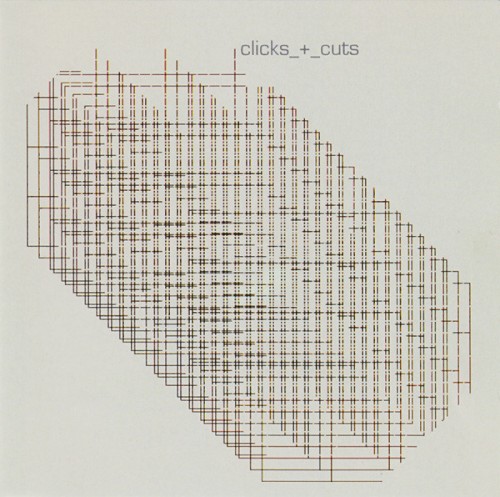
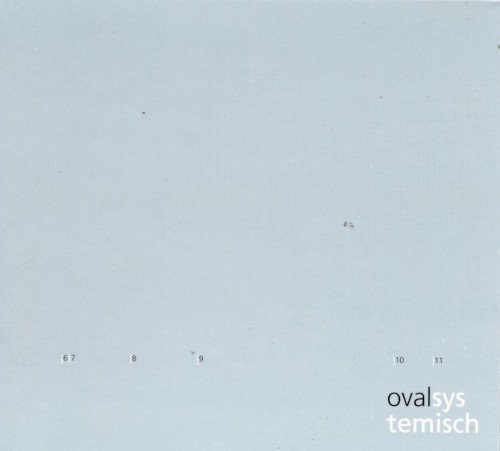
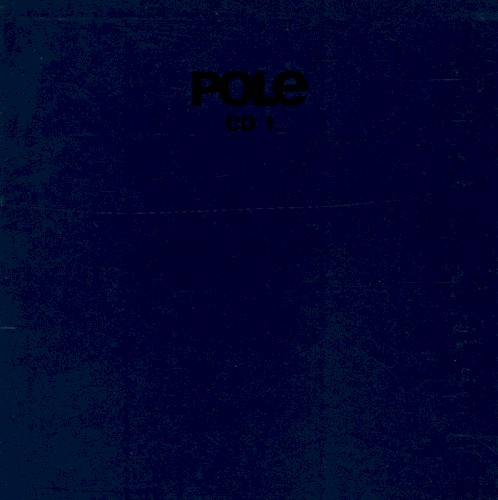
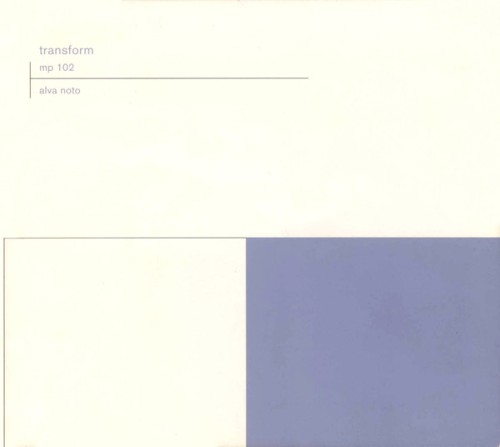
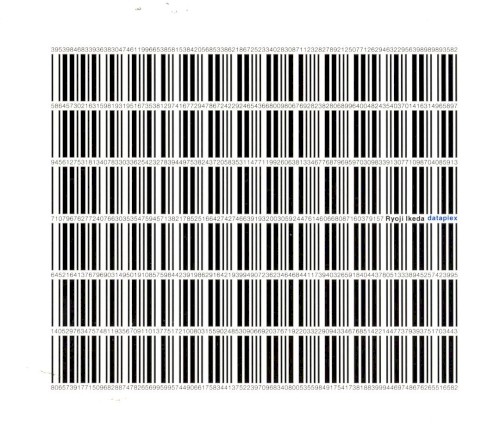
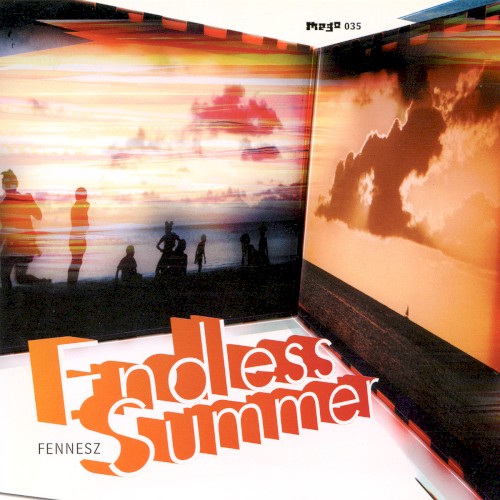
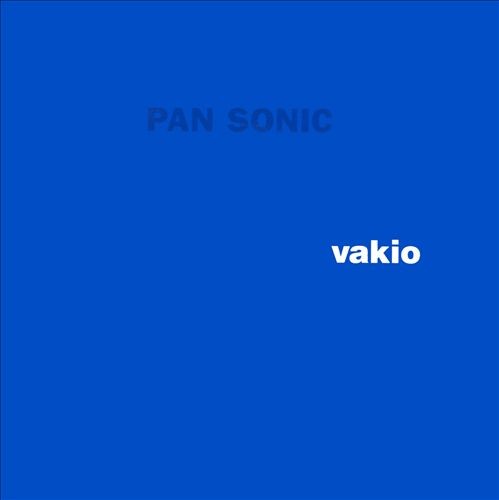
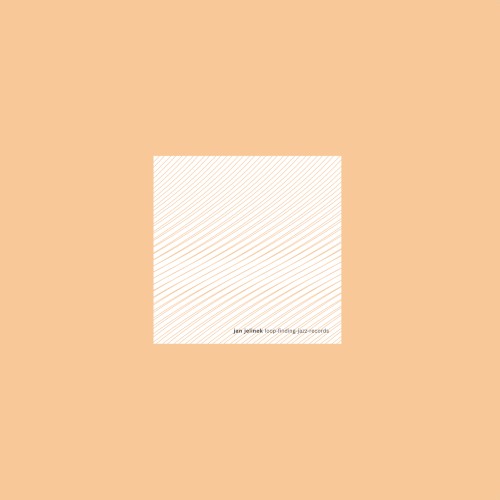
Deep dive into Clicks & Cuts — a movement in experimental electronic music where artists deliberately embraced digital errors, glitches, and sonic artifacts as primary creative material. Named after the Mille Plateaux compilation series (2000).
Key Artists
- Oval (Markus Popp) — physically damaged CDs to create glitch loops
- Alva Noto (Carsten Nicolai) — sine waves, granular synthesis, co-founded Raster-Noton
- Ryoji Ikeda — ultra-minimalist, converts data into sound and barcode visuals
- Pole (Stefan Betke) — dub meets glitch via a broken Waldorf 4-Pole filter
- Pan Sonic — raw analog minimalism, self-built electronics
- Fennesz — guitar processed through laptops into lush glitch textures
- Richard Devine — all-modular records, essential reference for Eurorack C&C
Sonic Palette
Microscopic clicks & pops, digital buffer glitches, extreme frequency exploration, pointillist textures, dub-influenced bass and space, granular clouds, and silence as a compositional element.
Modular Synth Artists
The original C&C movement was largely laptop/software-based — the modular world inherited and evolved the aesthetic as Eurorack exploded. These artists bridge the two worlds:
- Richard Devine — the most direct overlap. Last three records made entirely out-of-the-box on his massive Eurorack system. Rapid clicks, metallic thrums, scattering beats — clicks & cuts realized in hardware
- Keith Fullerton Whitman — moved from laptop glitch (Playthroughs) into hybrid digital-analog modular. His album Occlusions is subtitled “Real Time Music for Hybrid Digital-Analogue Modular Synthesizer”
- Pan Sonic (Mika Vainio) — self-built electronics and raw analog circuits. Not Eurorack, but fully in the spirit of DIY hardware minimalism
- Marcus Fischer — Eurorack, tape loops, and field recordings in a quiet microsound aesthetic. More restrained than Devine but very much in the genre
- Mouse on Mars — Jan St. Werner collaborated with Peter Blasser (Ciat-Lonbarde) to create the Clicker, a synth for “microsecond orchestras” — clicks & cuts philosophy made physical
- Hainbach — Ciat-Lonbarde synths, test equipment, and Eurorack for glitchy ambient textures
Notable hardware: Møffenzeef Mødular built Eurorack modules specifically for clicks & cuts style glitch percussion.
Modular Synth Takeaways
- Sound sources: Granular modules (Morphagene, Arbhar), ultrashort envelopes (<1ms = click), FM at extreme ratios, self-oscillating filters
- Processing: Extreme bandpass filtering, sample & hold for bit-crush, wavefolder distortion, feedback through delay lines
- Sequencing: Chaotic clock sources, probabilistic triggers (Marbles, Branches), Bernoulli gates, sub-audio LFOs modulating everything slowly
See the full Clicks & Cuts mood board for the complete timeline, discography, labels, and visual language reference.
Practice Session
Practice Session
Class with Matthew — Polyrhythm & Polymeter
Session with Matthew covering polyrhythm and polymeter — two ways of layering conflicting rhythmic patterns.
Definitions
- Polyrhythm: Two or more rhythms with different subdivisions played simultaneously over the same time span. Example: 3 against 2 (triplets over eighth notes) — both patterns resolve at the same downbeat.
- Polymeter: Two or more meters running simultaneously with the same subdivision but different groupings. Example: 3/4 against 4/4 — same tempo, but the downbeats drift apart and only realign after a full cycle (12 beats in this case).
Creating them in Tempera and Renoise
- Tempera: Use multiple lanes with different time signatures or loop lengths. Set one lane to a 3-step pattern and another to a 4-step pattern at the same BPM — the offset between them creates polymeter naturally.
- Renoise: Use the delay column (Dx) to shift note positions for polyrhythmic feel. For polymeter, set different pattern lengths per track using the phrase editor — a 12-row phrase on one track against a 16-row phrase on another gives you 3 vs 4.
Practice Session
0125.wav
0:00 / 0:00Practice Session
01243.wav
0:00 / 0:000124_mastered.wav
0:00 / 0:00012403_mastered.wav
0:00 / 0:00Practice Session
Practice Session
1231.wav
0:00 / 0:0001-1-00000.wav
0:00 / 0:00Practice Session
1228.wav
0:00 / 0:00Untitled.wav
0:00 / 0:00Composition practice, a 3 minute piece with 3 parts, intro, peak and outro.
Artist Inspiration
A curated list of artists for SuperCollider exploration and sound design inspiration.
Modular / Generative
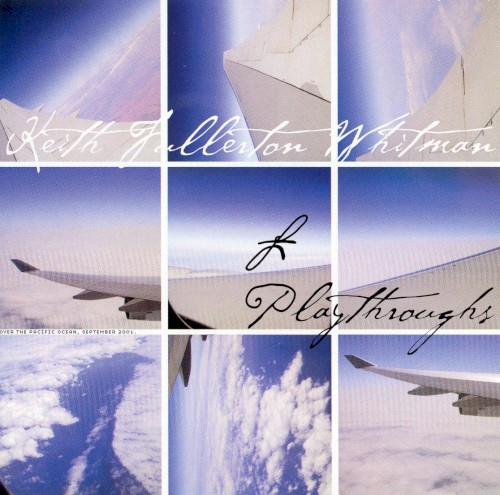
Generative systems, drone, modular improvisation
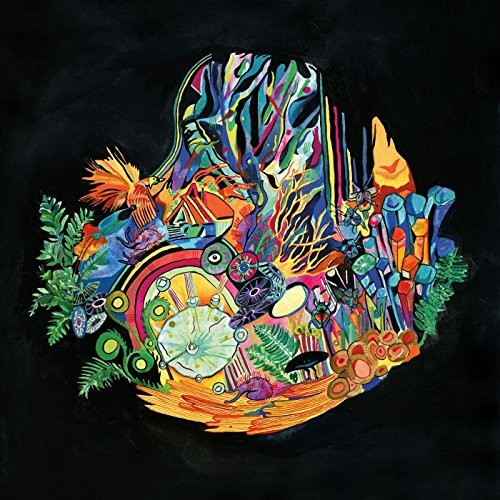
Organic modular textures, Buchla explorations
Sequencer-based minimalism, harmonic explorations
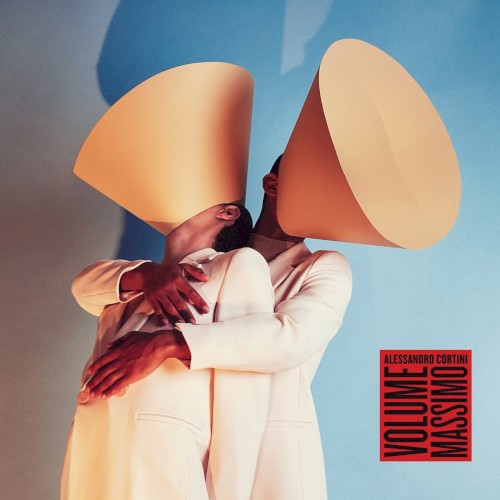
Melodic modular, analog warmth
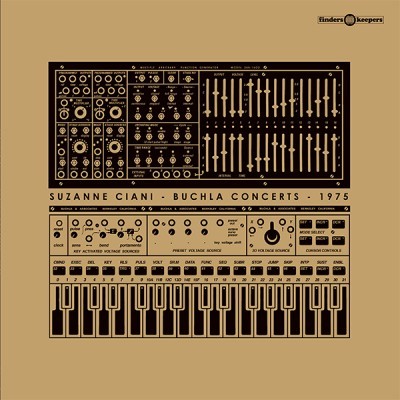
Buchla pioneer, quadraphonic synthesis
Dub Techno / Textural
Murky delays, dub processing, granular textures
Aquatic dub techno, tape saturation
Crackle aesthetics, filtered dub
Minimal dub, space and echo
Industrial dub techno, chain reactions
IDM / Algorithmic
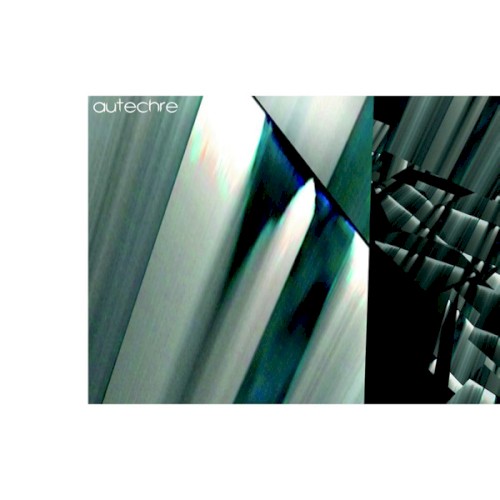
Generative systems, complex rhythms, Max/MSP
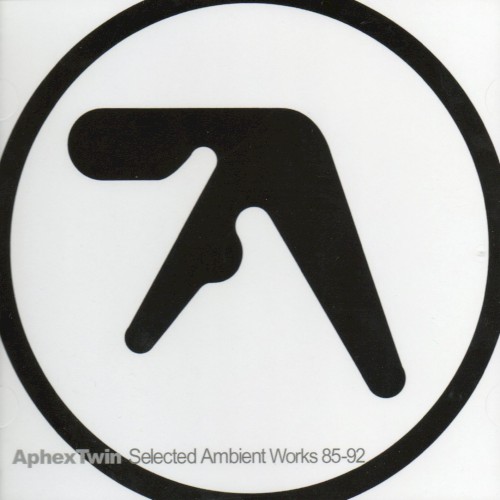
Synthesis mastery, prepared piano, acid
Glitch guitar, granular processing
Micro-sound, sine waves, digital precision
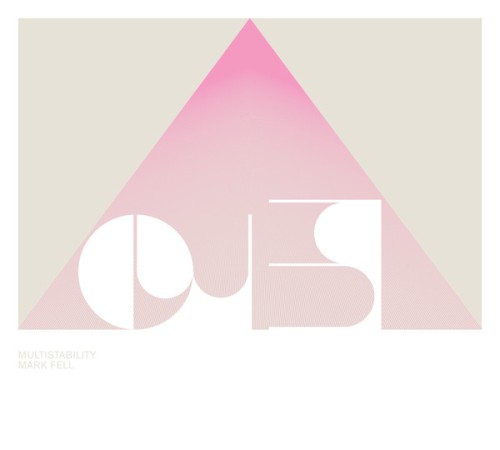
Algorithmic patterns, non-Western rhythms
Ambient / Drone
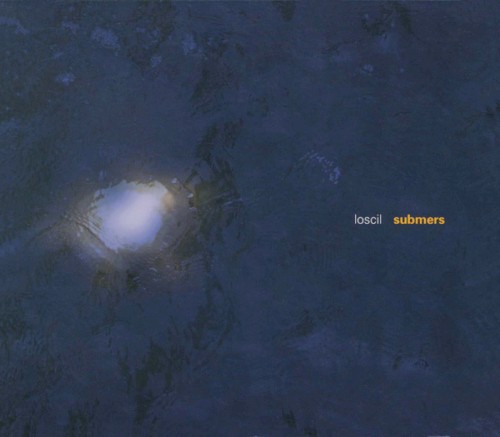
Subtle textures, subaquatic drones
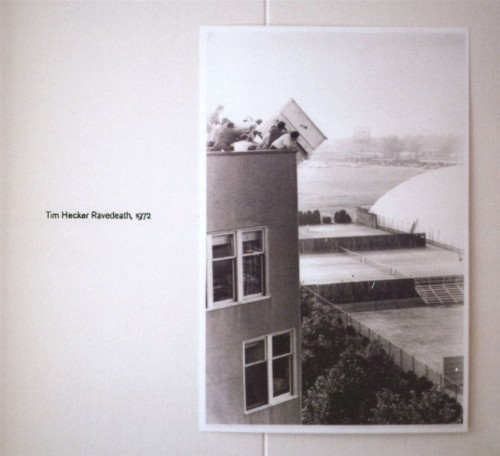
Noise into beauty, spectral processing
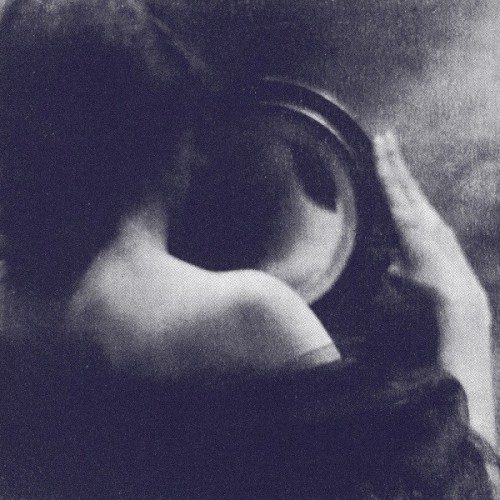
Field recordings, drone
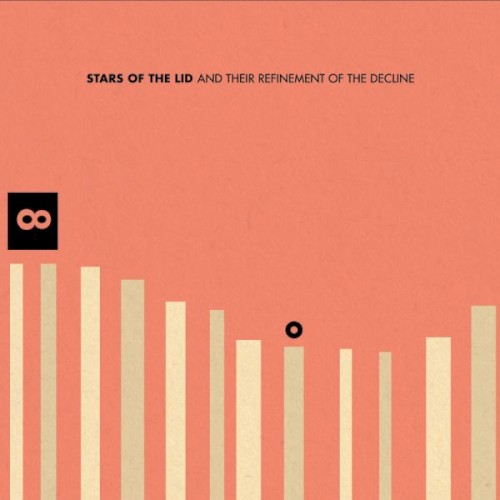
Glacial movements, orchestral drone
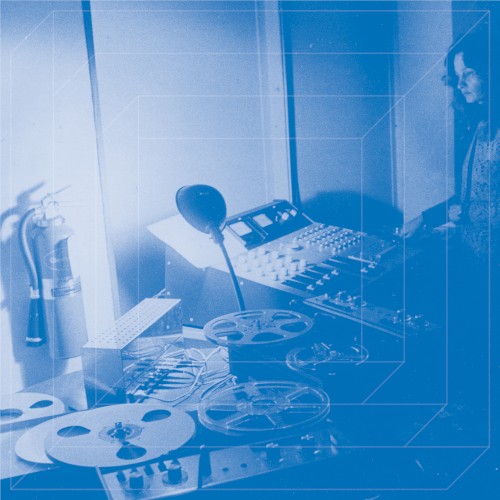
Slow evolution, ARP 2500
Granular / Spectral
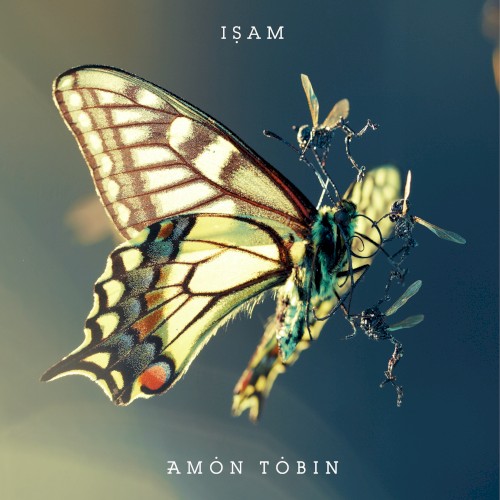
Sound design, sampling as synthesis
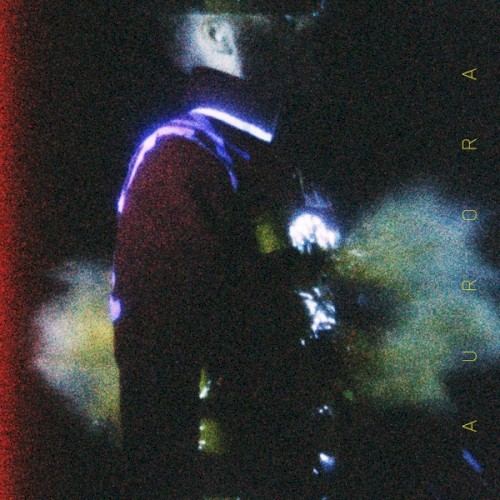
Harsh textures, industrial noise
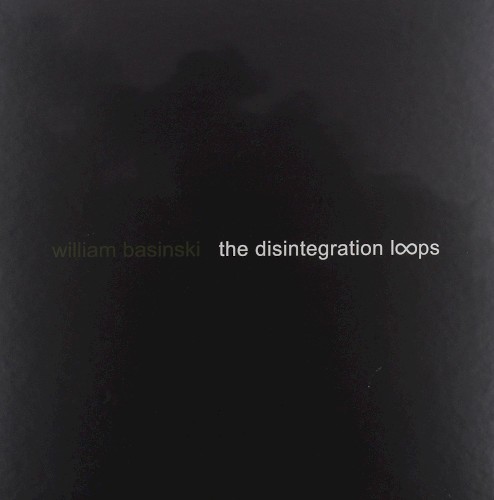
Tape loops, decay
Glitch, skipping CD aesthetics
Buchla / West Coast Synthesis
Buchla pioneer, expressive sequencing
Buchla Music Easel improvisation
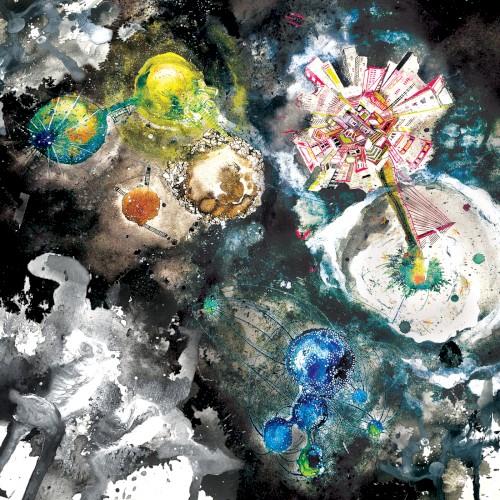
Buchla educator, expressive patches
Slow-moving organ/synth drones
Organic / Nature-Inspired
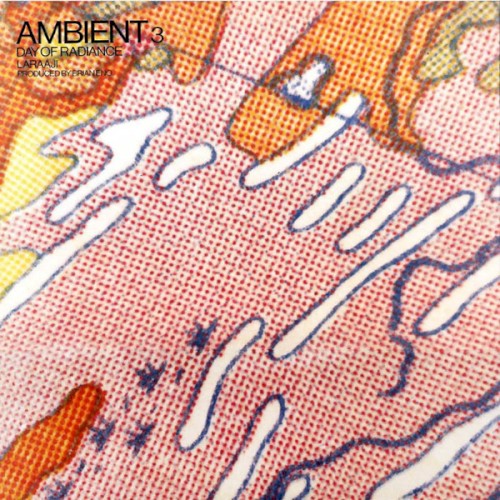
Zither drones, ambient healing
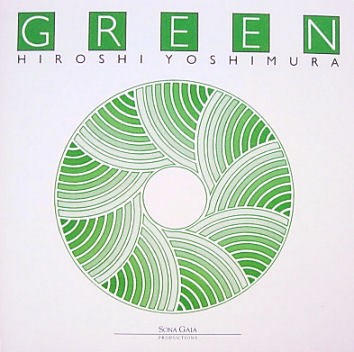
Environmental music, gentle synthesis
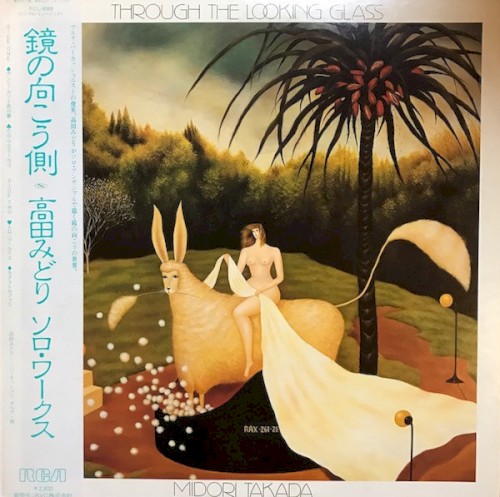
Percussive minimalism
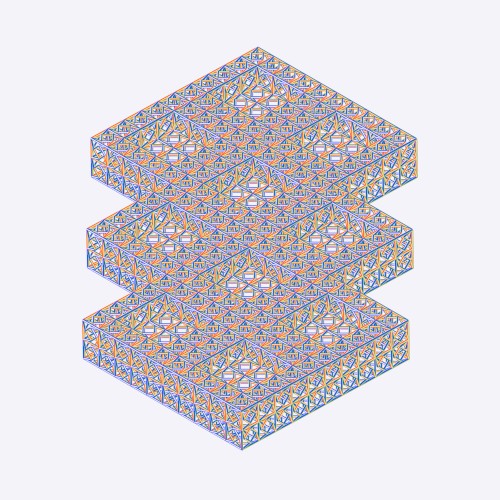
Digital naturalism, Pacific Northwest ambient
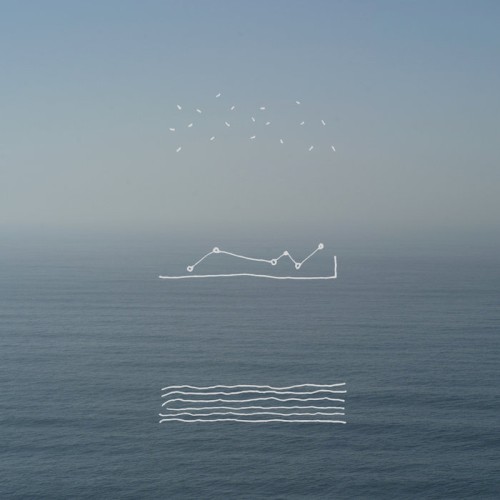
Modular sketches
Layered / Evolving Textures
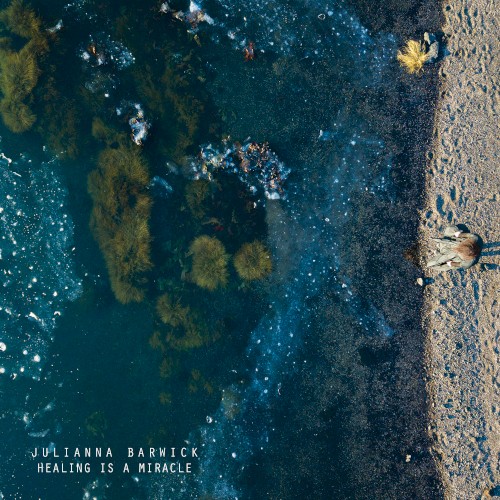
Looped vocals, cathedral reverbs
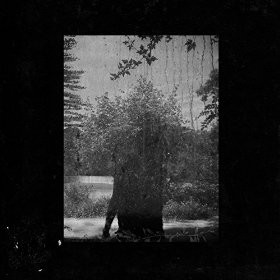
Hazy textures, voice as instrument
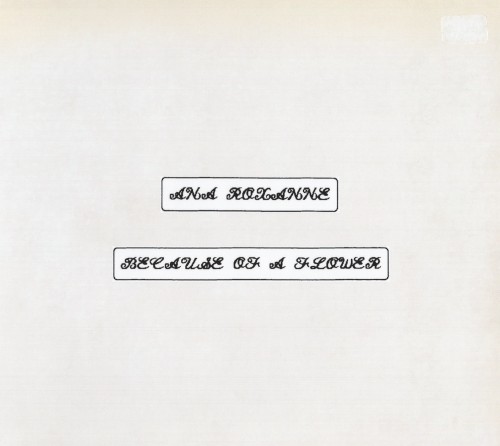
Voice and synthesis, ethereal drones
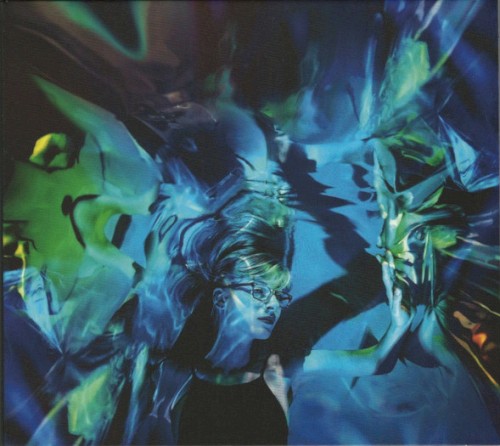
Prepared piano meets modular
New Age Revival
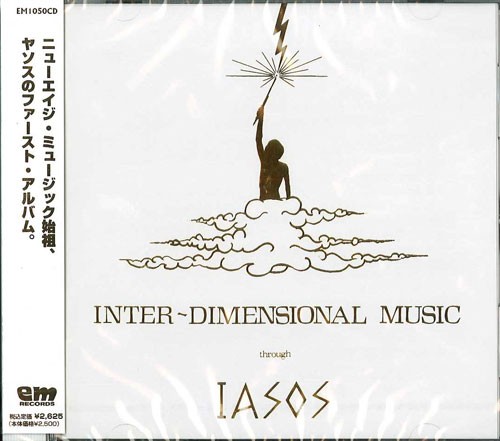
Paradise music, crystalline synthesis
Early electronic meditation
Pioneering synthesis
Test equipment, vintage gear
Warm analog, new age influenced
Techniques to Explore
- Generative sequencing (Autechre, Caterina Barbieri)
- Dub delay/feedback systems (Vladislav Delay, Pole)
- Granular processing (Fennesz, Tim Hecker)
- Slow envelope evolution (Éliane Radigue, Stars of the Lid)
- Harmonic series exploration (Kaitlyn Aurelia Smith, Suzanne Ciani)
- Tape degradation simulation (William Basinski, Deepchord)
- Micro-sound / sine wave purity (Alva Noto)
- Organic modulation sources (Buchla-style randomness)
Practice Session
Practice Session
1206.wav
0:00 / 0:00Practice Session
120304.wav
0:00 / 0:00Practice Session
pitch_pitch.wav
0:00 / 0:00Practice Session
1201.wav
0:00 / 0:00120102.wav
0:00 / 0:00120103.wav
0:00 / 0:00Practice Session
1125.wav
0:00 / 0:00Practice Session
1118.wav
0:00 / 0:00Practice Session
1103.wav
0:00 / 0:00Practice Session
1031.wav
0:00 / 0:00Practice Session
1022.wav
0:00 / 0:0010222.wav
0:00 / 0:00Practice Session
0923.wav
0:00 / 0:00Practice Session
0902.wav
0:00 / 0:00Practice Session
0828.wav
0:00 / 0:00Practice Session
0827.wav
0:00 / 0:00Practice Session
0826.wav
0:00 / 0:0008263.wav
0:00 / 0:00Practice Session
0823.wav
0:00 / 0:0008232.wav
0:00 / 0:00Practice Session
08162.wav
0:00 / 0:0008163.wav
0:00 / 0:00Practice Session
0815.wav
0:00 / 0:0008152.wav
0:00 / 0:00Practice Session
08 12.wav
0:00 / 0:00Practice Session
07 27.wav
0:00 / 0:00Practice Session
07 03.wav
0:00 / 0:00Practice Session
01-1-00001_stereo.wav
0:00 / 0:00Practice Session
06 27.wav
0:00 / 0:0006 27 2.wav
0:00 / 0:00Practice Session
06 23.wav
0:00 / 0:00Practice Session
06 22.wav
0:00 / 0:00Practice Session
06 18.wav
0:00 / 0:00Practice Session with Hydra
Practice Session
06 16 2.wav
0:00 / 0:00Practice Session
06 14.wav
0:00 / 0:0006 14 2.wav
0:00 / 0:00Practice Session
06 09.wav
0:00 / 0:00Practice Session
06 07.wav
0:00 / 0:00Practice Session
06 06.wav
0:00 / 0:0006 06 02.wav
0:00 / 0:00Practice Session
Practice Session
Practice Session
01242.wav
0:00 / 0:00Practice Session
0119.wav
0:00 / 0:00